The Problem with Standard Dashboard Reporting
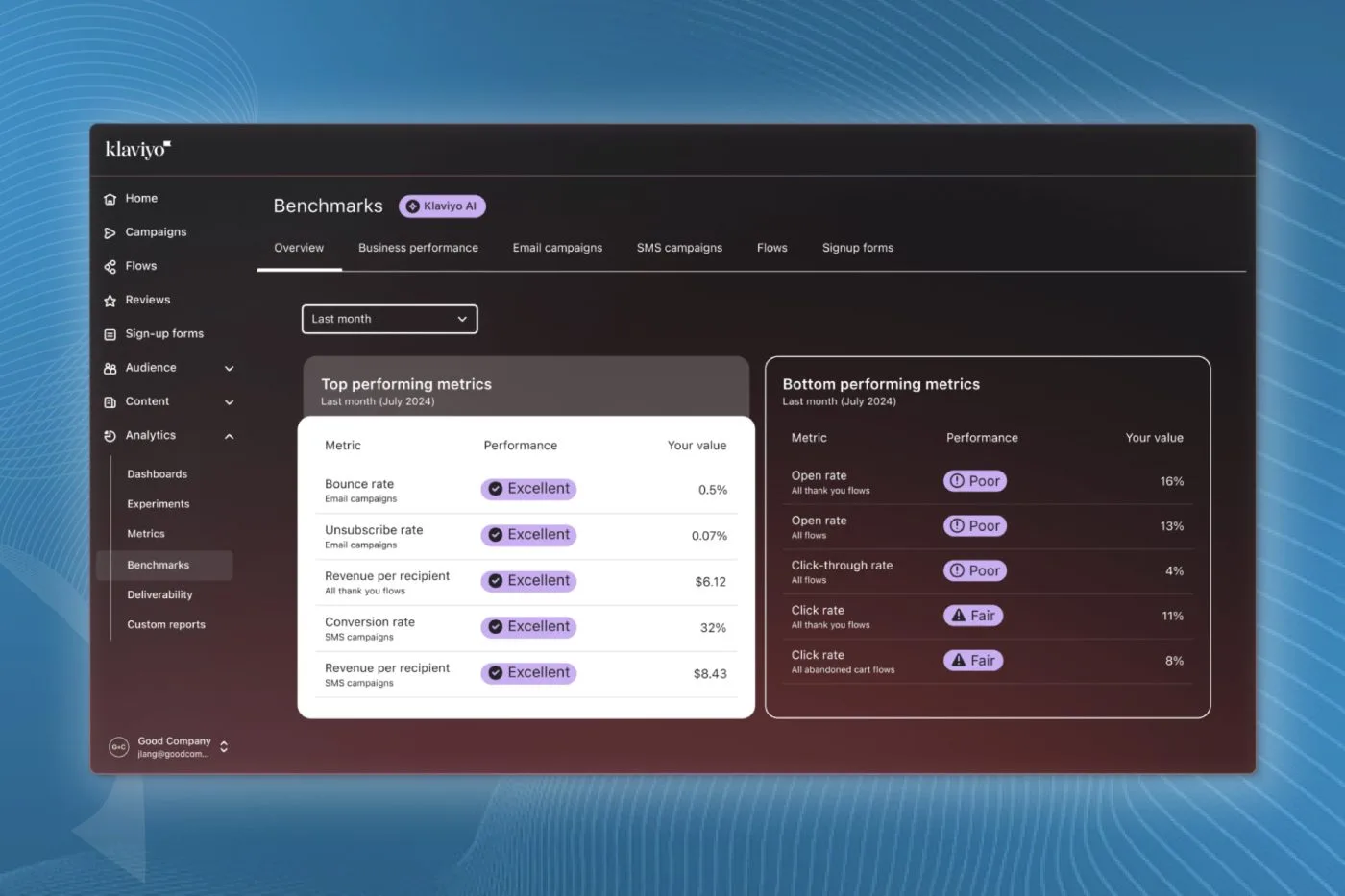
Default ecommerce dashboards show you what happened, not why. You can log into Klaviyo on any given Monday, look at your campaign open rates, revenue per recipient, and click rates, but you will still have to do all the heavy lifting to find the actual patterns across months of data.
We have rolled out an automated reporting workflow using Claude and Klaviyo over 30 times across our client accounts. Instead of spending hours pulling CSVs and squinting at spreadsheets, we connect Claude directly to the account to analyse campaign performance, deliverability, list growth, and historical sales trends.
The result is a clean, granular report that highlights exactly what worked, why it worked, and what needs to go on the campaign calendar next. Here is how to set it up properly.
Setting Up a Secure Read-Only API Key
The first step takes place inside Klaviyo. You need to create an API key that allows Claude to read your marketing data without giving it permission to change settings, send emails, or edit your flows. Never give an external tool write access unless strictly necessary.
Navigate to your account settings in Klaviyo, select API Keys, and click Create API Key. Name the key something clear, like 'Claude Integration', and set every single permission scope to Read-Only. Copy the key immediately, because Klaviyo will not show it to you again.
Here is something you cannot skip: if you manage accounts for clients, get explicit consent before connecting their data to an LLM. Client data privacy is critical, and operating transparently is non-negotiable in my books.
Configuring Your Claude Project and Connector
Next, open Claude and navigate to the Projects tab. Create a new project named after the specific brand you are analysing. Keeping each store in its own distinct project prevents data cross-contamination between different stores.
Inside the project settings, add custom instructions outlining the brand context. Include the store URL (for example, inbox.co.nz) and instruct Claude to reference the Klaviyo connection. You will provide the read-only API key within the project environment.
From there, you will connect your Klaviyo account via Claude's connector app. Once prompted, approve the connection and grant access to the specific account. Once linked, Claude has the pipeline it needs to query your live campaign and list performance directly.
Prompting for Granular Campaign Analysis
Vague prompts produce generic, useless summaries. If you simply ask Claude to 'review my emails', you will get a surface-level recap of metrics you already saw on the dashboard.
To extract genuine strategic insight, you must feed it specific operational constraints. A few prompt angles I regularly use include:
- Promotional retrospective: 'Analyse every sale campaign sent over the last 12 months. Break down which subject lines, offer structures, and send times generated the highest revenue per recipient, and explain why.'
- List health and deliverability: 'Analyse our list growth, bounce rates, and unsubscribe trends across all segments over the last 90 days. Flag any deliverability risks.'
- Product category engagement: 'Identify which product categories received the lowest engagement in regular campaigns and suggest dedicated re-engagement strategies.'
Specificity is everything. The more precise your question, the more actionable the output will be.
What the Finished Report Delivers
When the analysis finishes, you should receive a structured breakdown rather than a block of unstructured text. A proper report generated through this workflow covers four core areas:
- Executive summary: High-level financial impact and list performance benchmarks.
- Deliverability health: Unsubscribe velocity, spam complaint tracking, and list churn rates.
- Pattern recognition: Clear conclusions on which creative angles, layouts, and hooks resonated with your engaged segment.
- Strategic roadmap: Direct recommendations for upcoming campaigns and automated flow tweaks based on historical winners.
This cuts hours of manual analysis down to a few minutes. It allows you to spend your time executing high-impact creative strategies rather than drowning in raw export files.
Final Thoughts
Using Claude alongside Klaviyo turns raw email metrics into a clear strategic roadmap in minutes. As long as you maintain strict data security with read-only keys, it is one of the most efficient ways to understand your ecommerce performance. It frees you up to focus on the strategy rather than the data entry.
Get a Complete Audit of Your Email Performance
If you want an experienced set of eyes on your Klaviyo account, your deliverability metrics, and your automated flows, we can help. Book an account audit with the In-box team today to uncover missed revenue opportunities across your retention marketing.