What Are Shopify Email Metrics
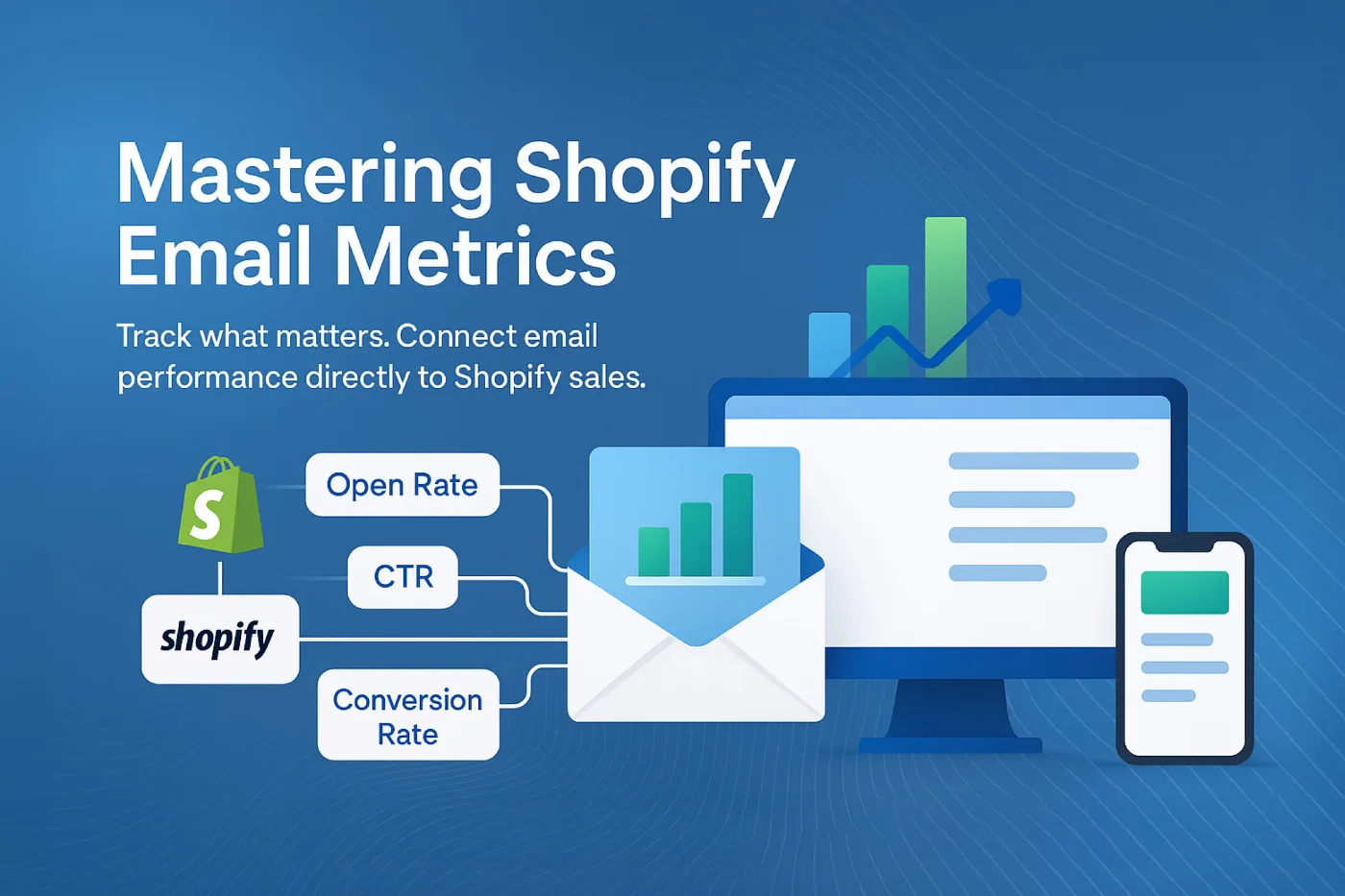
Shopify email metrics are performance indicators that show how marketing emails perform within a Shopify store. These metrics come from Shopify’s built-in tools like Shopify Email, as well as third-party apps that sync with your store.
Unlike general email metrics, Shopify email metrics tie directly to your store activity. They show how emails influence product views, customer behavior, and actual orders, without manual data reconciliation.
Shopify tracks email performance by connecting customer actions with email campaigns. When someone clicks from an email to your store, Shopify follows their journey through to purchase.
- Revenue tracking: Links email clicks directly to sales and order value
- Customer journey analysis: Shows the path from email to checkout
- Campaign insights: Reveals which emails drive the most store traffic and sales
These connections make it easier to see which emails actually generate revenue, not just opens or clicks.
Essential Shopify Email Marketing Metrics
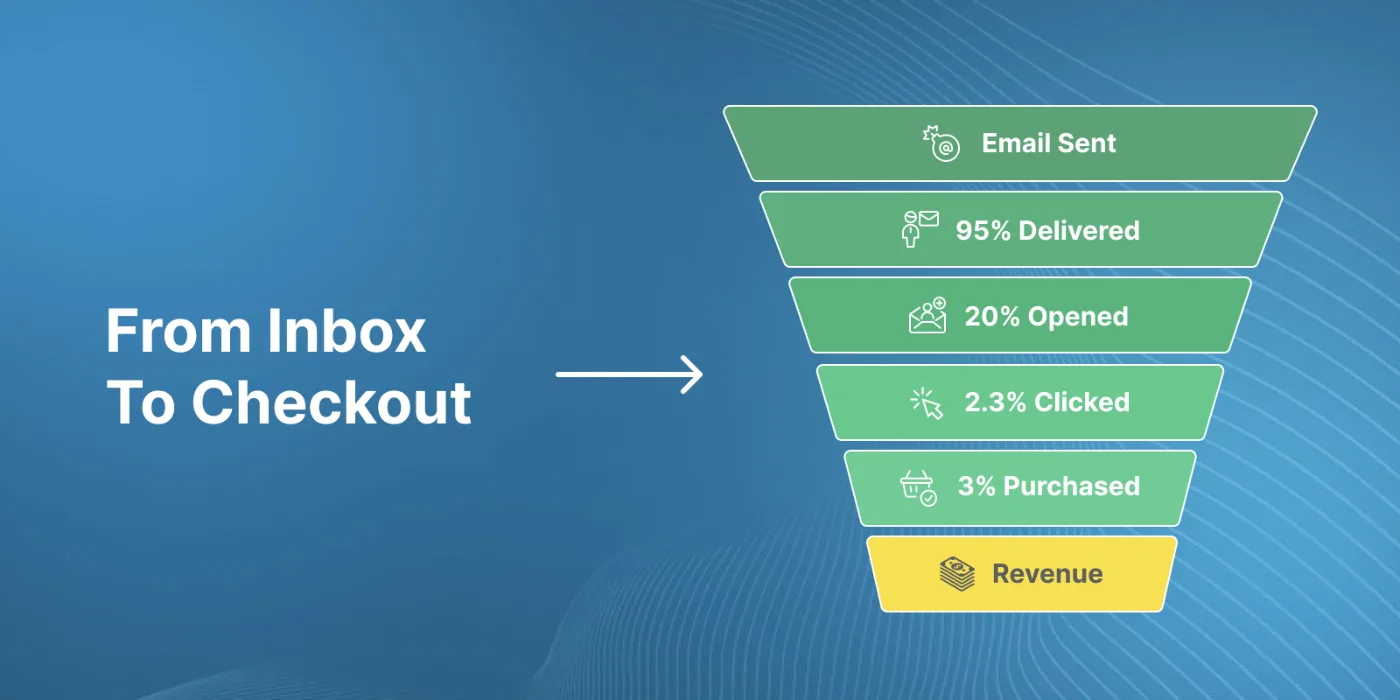
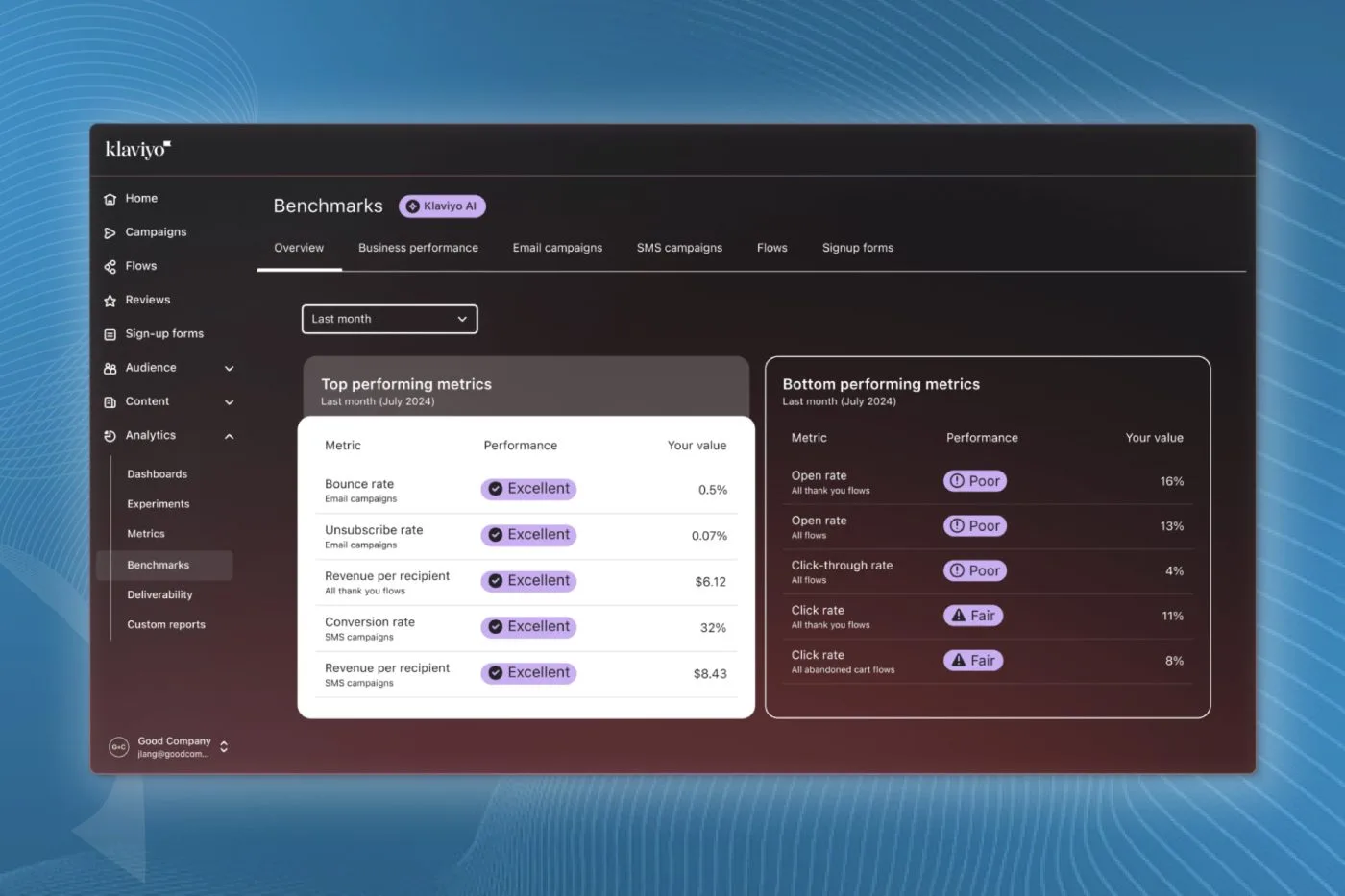
The most valuable metrics for Shopify email marketers focus on the customer journey from inbox to purchase. These numbers help you understand what’s working and what needs improvement.
1. Delivery Rate
Delivery rate measures the percentage of emails that reach recipients’ inboxes without bouncing. It’s calculated by dividing delivered emails by total emails sent, then multiplying by 100.
A healthy delivery rate (95%+ is ideal) forms the foundation of email success. If emails aren’t delivered, nothing else matters.
Open rate shows how many people opened your email. While Apple’s Mail Privacy Protection has made this metric less reliable by pre-loading tracking pixels, it’s still useful for comparing subject lines and send times. Welcome emails achieve a 68.6% open rate and 26.9% click-through rate, performing 4x better than standard email campaigns.
2. Open Rate
Open rate shows how many people opened your email. While Apple’s Mail Privacy Protection has made this metric less reliable by pre-loading tracking pixels, it’s still useful for comparing subject lines and send times.
A typical open rate for Shopify stores ranges from 15-25% for regular campaigns and 40-60% for transactional emails like order confirmations.
For practical email marketing ideas to increase open rates and CTR, check out proven strategies that boost engagement and campaign performance.
3. Click-Through Rate (CTR)
Click-through rate measures how many recipients clicked a link in your email. It’s calculated by dividing the number of clicks by delivered emails, then multiplying by 100.
CTR reveals how compelling your email content is. Average rates for ecommerce emails fall between 1.8-2.3%.
This metric remains reliable despite privacy changes because it tracks actual user actions rather than invisible pixels.
4. Conversion Rate
Conversion rate shows the percentage of email recipients who completed a purchase after clicking through. This is where Shopify’s integration shines, it connects email clicks directly to orders.
Different email types have different conversion benchmarks:
- Welcome emails: 3-5%
- Abandoned cart reminders: 4-6%
- Promotional campaigns: 1-3%
Conversion rate directly impacts revenue, making it one of the most important metrics for Shopify email marketers.
5. Revenue Per Email
Revenue per email divides the total sales generated by a campaign by the number of emails sent. This simple calculation shows the average value of each email you send.
For example, if a campaign to 1,000 subscribers generates $500 in sales, each email was worth $0.50 on average. In 2025, mobile devices account for 60% of all email opens, making mobile-first design essential for email marketing success.
This metric helps compare different campaigns and email types regardless of list size.
Measuring Conversions With Email Marketing Shopify
Shopify makes it easy to track how emails drive sales. When someone clicks from your email to your store and makes a purchase, Shopify attributes that sale to your email campaign.
To track conversions accurately, add UTM parameters to your email links. These small code snippets tell Shopify where the traffic came from:
https://yourstore.com/products/item?utm_source=email&utm_medium=newsletter&utm_campaign=summer
After sending a campaign, you can see its performance in Shopify:
- Go to Analytics > Reports
- Look for “Sales attributed to marketing”
- Filter by your campaign name or UTM parameters
This report shows orders, revenue, and conversion rate for each email campaign.
Beyond basic tracking, you can also segment your analysis by:
- First-time vs. repeat customers
- Average order value
- Products purchased
- Time between email click and purchase
These insights help you understand which emails drive the most valuable customer actions.
Overcoming Privacy Challenges
Recent privacy changes have affected how email metrics work. Apple’s Mail Privacy Protection, introduced in iOS 15, automatically loads tracking pixels even when users don’t open emails. This inflates open rates for Apple Mail users.
Since about 60% of email opens happen on Apple devices, this significantly impacts open rate accuracy.
To adapt to these changes, focus on metrics that remain reliable:
- Click metrics: Click-through rate and click-to-open rate still accurately track user engagement
- Conversion data: Purchase behavior isn’t affected by privacy changes
- Revenue metrics: Sales attributed to email campaigns remain accurate
You can also segment subscribers by email client to identify which groups might have inflated open rates.
For example, if you see 90% open rates from Apple Mail users but only 20% from Gmail users, the Apple numbers are likely inflated by privacy protections.
Mobile Optimization For Email Success
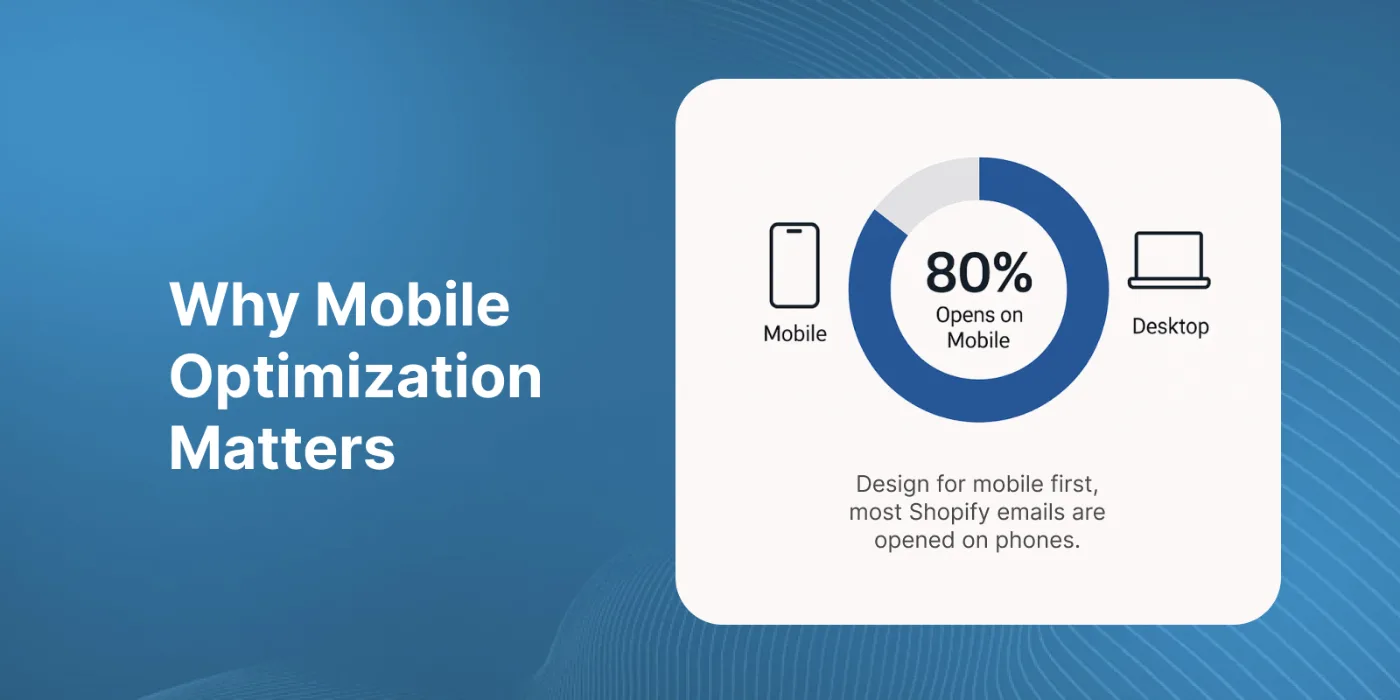
Over 80% of Shopify store emails are opened on mobile devices. This makes mobile optimization essential for accurate metrics and good results.
Mobile-friendly emails have:
- Responsive design that adapts to screen size
- Large, tappable buttons (at least 44×44 pixels)
- Short subject lines that don’t get cut off
- Single-column layouts for easy scrolling
- Compressed images that load quickly
When emails work well on mobile, metrics improve across the board. Click rates increase because links are easier to tap, and conversion rates rise because the journey from email to checkout is smoother.
To check mobile performance, look at device-specific metrics in your email platform. Compare open rates, click rates, and conversion rates between mobile and desktop users.
If mobile metrics lag behind desktop, your emails may need design improvements.
Integrating Shopify And Email Platforms
While Shopify Email offers basic email marketing features, many merchants use specialized email platforms like Klaviyo, Mailchimp, or Omnisend for advanced capabilities.
These platforms connect to your Shopify store through apps or API integrations. Once connected, they can:
- Pull customer data from Shopify (purchase history, browsing behavior)
- Send targeted emails based on store activity
- Push email engagement data back to Shopify
- Create segments based on both email and store behavior
The best setup uses your email platform for engagement metrics (opens, clicks) and Shopify for conversion data (orders, revenue).
This integration creates a complete picture of how emails influence customer behavior and store performance.
Optimizing Email Campaigns With Shopify Data
Shopify provides unique data that can improve your email marketing. By analyzing store behavior, you can create more targeted, effective campaigns.
Here are ways to use Shopify data in your email strategy:
- Purchase history segmentation: Send different emails to customers based on what they’ve bought
- Browse abandonment: Reach out to shoppers who viewed products but didn’t purchase
- Replenishment reminders: Contact customers when they might need to reorder consumable products
- Cross-sell opportunities: Recommend complementary products based on previous purchases
- VIP campaigns: Create special offers for your highest-spending customers
This data-driven approach leads to more relevant emails and better metrics across the board.
If you’re looking for inspiration to keep your content engaging, explore creative marketing newsletter ideas for 2025 that can help boost open and click rates across your Shopify campaigns.
For example, browse abandonment emails typically see 3-5 times higher conversion rates than regular promotional campaigns because they target specific customer interest.
Achieving Growth Through Continuous Improvement
The most successful Shopify email marketers don’t just track metrics, they use them to improve. However, avoiding common email marketing mistakes is just as important as optimizing performance. This means regularly reviewing performance and making data-based adjustments.
A simple improvement framework includes:
- Track key metrics for each campaign and automation
- Compare results against benchmarks and past performance
- Identify the highest and lowest performers
- Test changes to improve underperforming emails
- Apply successful tactics to other campaigns
Even small improvements add up over time. Increasing click rates by 0.5% or conversion rates by 0.2% might seem minor, but these gains compound across thousands of emails.
The checkout experience plays a crucial role in email marketing success. When customers click through from an email, they expect a smooth path to purchase. Tools that optimize the checkout flow help convert email traffic into completed orders.
Platter’s checkout optimization tools complement email marketing efforts by streamlining the final step in the customer journey. This helps maximize the value of the traffic your emails generate.
FAQs About Shopify Email Metrics
How often should I review my Shopify email metrics?
Review campaign metrics weekly to catch immediate issues, and analyze overall program performance monthly to identify trends and opportunities for improvement.
What is a good conversion rate for Shopify email campaigns?
Good conversion rates vary by email type: welcome emails typically convert at 3-5%, abandoned cart emails at 4-6%, and regular promotional campaigns at 1-3%.
How do Apple’s privacy changes affect my Shopify email metrics?
Apple’s Mail Privacy Protection inflates open rates by pre-loading tracking pixels, but click-through rates, conversion rates, and revenue metrics remain reliable indicators of email performance.
How can I track which products sell best through email campaigns?
Add UTM parameters to your email links and then view the “Sales attributed to marketing” report in Shopify Analytics, where you can see which products were purchased after email clicks.