With a myriad of features, Klaviyo has revolutionised the way businesses approach email marketing. It goes beyond the traditional, allowing marketers to create more sophisticated, personalised, and ultimately more effective campaigns. In this article, we’ll delve into some advanced Klaviyo flows that you can leverage to take your marketing game to the next level.
Harness the Power of Klaviyo’s Birthday Flow
Klaviyo’s Birthday Flow is a robust feature that allows you to personalise your email marketing like never before. Not only does it add a personal touch, but it also enhances customer engagement and loyalty. To leverage this, you need to capture the necessary user data through sign-up forms or dedicated campaigns pointing to landing pages. For a comprehensive guide on how to create a Birthday Flow in Klaviyo, check out this article Level Up Your Marketing Game with a Klaviyo Birthday Flow.
Level Up with Klaviyo VIP Flows
Klaviyo VIP flows are another advanced tool you can utilise to categorise and target your customers better. These flows can be triggered and split based on a customer’s total order value or any other parameters you set. VIP flows allow you to reward your most valuable customers and make them feel special, which further strengthens your brand’s relationship with them.
Other Advanced Klaviyo Flows to Consider
Aside from Birthday and VIP flows, there are several other advanced Klaviyo and other ecommerce email flows that can benefit your business. Here are a few worth considering:
Product Replenishment Flow
If you’re selling consumable goods, predict the average time it takes for a customer to run out of your product. You can then set up an automated email flow to remind them to repurchase before they run out.
Instructions: In Klaviyo, navigate to “Flows”, then “Create Flow”. Select the “Placed Order” event and add a time delay that corresponds to your product’s average consumption time. Then, set up an email reminding customers to replenish their product. If you have a wide range of SKU’s I would recommend splitting people with a trigger split that sends readers down different paths based on either the item (if you have a few SKU’s) or collection (if you have many SKU’s) and time the follow-up emails based on the repeat order rate relative to each collection/item. For example, let’s say product Y would typically be consumed in 40 days as opposed to product X being consumed in 30 days, you would therefore time your emails based on the collections/items’ typical time between purchase and complete consumption.
You can also add a conditional split after the first email preceded by a 4-day delay that sends first-time customers down one path and the remaining people (those who have placed more than one order) out of the flow. If you have the margin for it, can you then interlace an additional email to first-time customers that offers an incentive towards the reader’s second order. Product replenishment flows are also commonly referred to as ‘Win Back Flows’.
Tip: To ensure you are not over-messaging, add the filter ‘placed order zero times since starting this flow’ at the top.
Seasonal Flow
Email flows tailored to specific seasons, holidays, or events can greatly boost engagement. Create a flow featuring your summer collection, a back-to-school flow for educational products, or a Christmas flow for gift recommendations. Personally, I prefer to set these up as campaigns, but I have seen businesses build them as flows, which assumes many things will remain the same between summer in say, 2025 and summer in 2026.
Instructions: Create a new flow in Klaviyo. Select “Date Property” as your trigger and specify the date that corresponds to the start of the season or holiday. Then, design your emails to match the chosen theme.
First-Time Buyer Flow
Thank customers for their first purchase, introduce them to your loyalty program, or offer a discount on their next purchase.
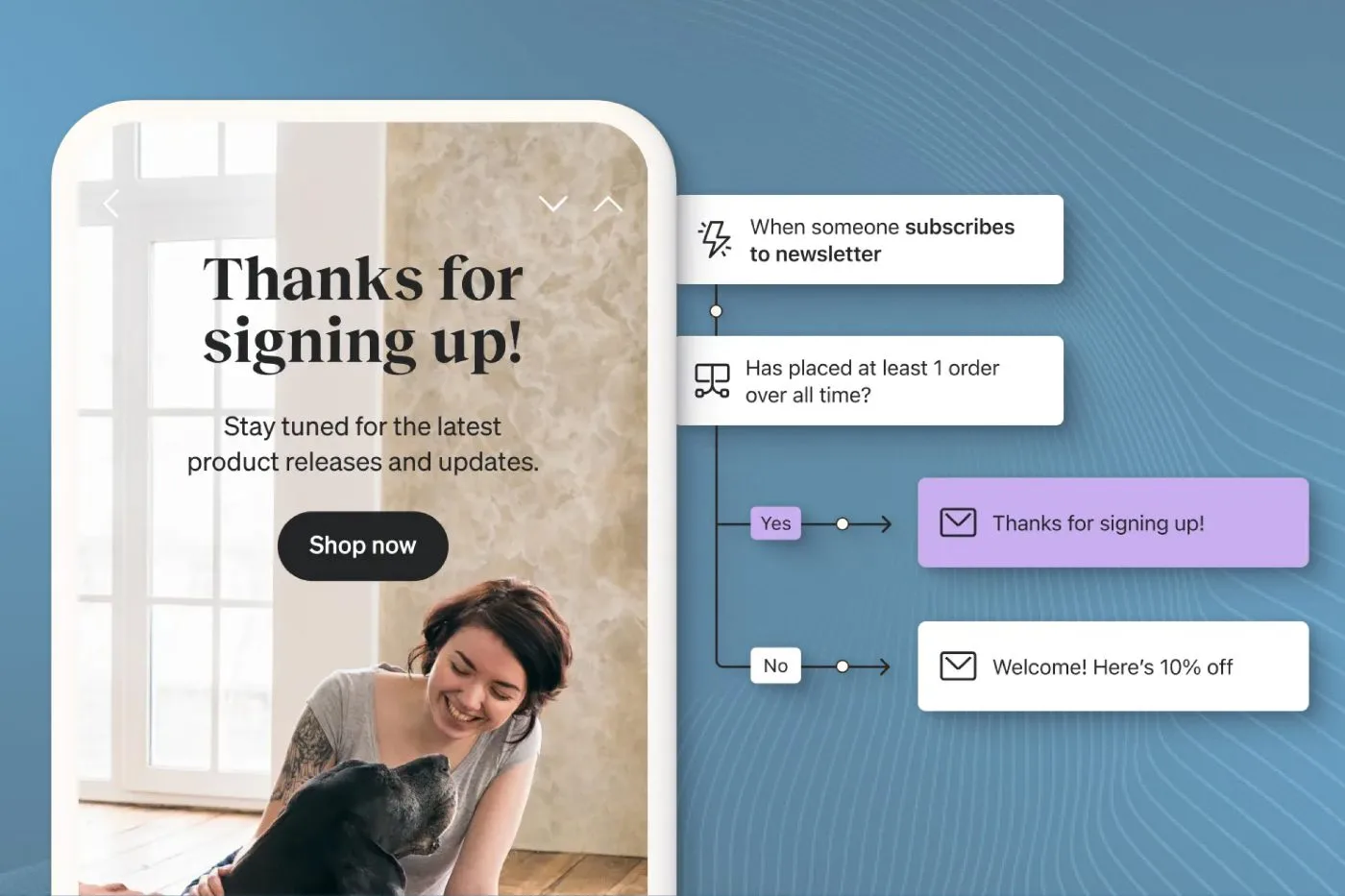
Instructions: Set up a new flow in Klaviyo, choosing “Placed Order” as your trigger. Add a filter for “placed order = 1 overall time”. Then, craft an email or series of emails that thank customers for their first purchase and encourage them to continue shopping with you. These flows typically require a decent amount of educational material. If you think about it, the only way someone is going to make a second purchase is if they get enough perceived value from your product, and this value can come from continued use of said product. If you want to tilt the value equation in your favour, educate your readers on their purchase to encourage that continued use. One thing I like to do is split people up within a flow using ‘Trigger Splits’ and provide readers with specific educational material based on the item or collection they purchased within.
Tip: To ensure you are not over-messaging, add the filter ‘placed order zero times since starting this flow’ at the top.
Cross-Sell Flow
Recommend related products based on a customer’s recent purchase.
Instructions: Create a new flow with the “Placed Order” trigger. Add conditional splits based on the items in order to personalize the emails and suggest related products. This flow is similar to the replenishment flow and the First time buyer flow but different in that, unlike the replenishment flow, it sells similar items based on the purchase that triggered the automation, and unlike the post-purchase, it comes after a longer period of time.
Tip: To ensure you are not over-messaging, add the filter ‘placed order zero times since starting this flow’ at the top.
Browse Abandoned Flow
Target customers who viewed products on your site without adding anything to their cart.
Instructions: Enable web tracking in Klaviyo to capture page view events. Create a flow with the trigger “Viewed Product,” add a condition for “added to cart zero times since starting this flow” and “started checkout zero times since starting this flow”. By adding the above filter, we are assuming you do not have an abandon cart set-up. Secondly, I like to set up two emails that re-engage the customer and remind them of the products they viewed. These emails are designed to be sent to different types of audiences though. After the trigger, add a conditional split that splits customers down one side and non-customers down another. For non-customers, ensure the reminder email has the incentive that you ran with in the Welcome Series to help get that first purchase across the line.
Post-Purchase Review Request Flow
Ask customers for a product review after they have had a chance to use their purchase.
Instructions: Set up a new flow triggered by the “Fulfilled Order” event. Add a time delay to give customers enough time to use the product. Then, send an email asking for a review. Note, if you are using a third-party review platform such as Judgeme or Post-pilot, have the flow trigger of the metric that is passed from those platforms (assuming they are integrated with Klaviyo) rather than the fulfilled order flow. If you do not have those platforms set up, you are probably asking for a Google review, in which case ensure the email has a link to leave this review.
Tip: You may want to consider how many times you are asking your customers to review your store/product so an important consideration is potentially adding filters that limit how many times a customer can enter a flow.
Re-engagement Flow for Inactive Customers (sunset flow)
Trigger a re-engagement flow for customers who haven’t engaged with your brand in a while.
Instructions: Create a flow with the trigger “has joined (insert segment name)”. Then, create a segment that is built off of someone being marked as unengaged, in my books this is anyone who has received at least 10 emails and has opened zero emails in the last 90 days. The purpose of this flow is really just to get your readers to open your email, so make sure you add the filter ‘opened email zero times since starting this flow’. From there, create two plain text emails three days apart that go to your readers giving them the option to unsubscribe. Anyone who engages within that flow and doesn’t unsubscribe can now be counted as engaged. At the end of the flow, for those who are still in it, tag the profiles with the tag ‘suppress = yes’. Then create a segment of readers who have that tag, and once a month, suppress that segment. Those are the people whom you do not one in your database, save the money on your Klaviyo bill.
Milestone Celebration Flow
Celebrate milestones like a customer’s 1-year anniversary of their first purchase, their 10th order, or when they reach a new tier in your loyalty program.
Instructions: In Klaviyo, set up a new flow with the “Placed Order” event as a trigger. Use conditional splits based on order count or date since first order to celebrate customer milestones. Note, if you want to offer loyalty tiers or anything like that, you will need to integrate your loyalty program into Klaviyo to feed things like point balances into program triggers into your flow.
Using these advanced Klaviyo flows, you can greatly enhance your email marketing strategy, boost customer engagement, and increase conversions.
For more email flow examples and automation strategies, check out our complete guide to automation flows.
Remember, personalisation and timing are crucial for the success of these flows.
Also when designing your emails, make sure you are optimising for dark mode to improve the readability of your emails, and testing your emails for compatibility across devices can ensure a seamless customer experience.
For more advanced Klaviyo flow ideas, consider browsing through Klaviyo’s resources or reaching out to their support team. You can also learn more about other marketing strategies, such as SMS marketing, by exploring the Top SMS Marketing Providers in New Zealand.