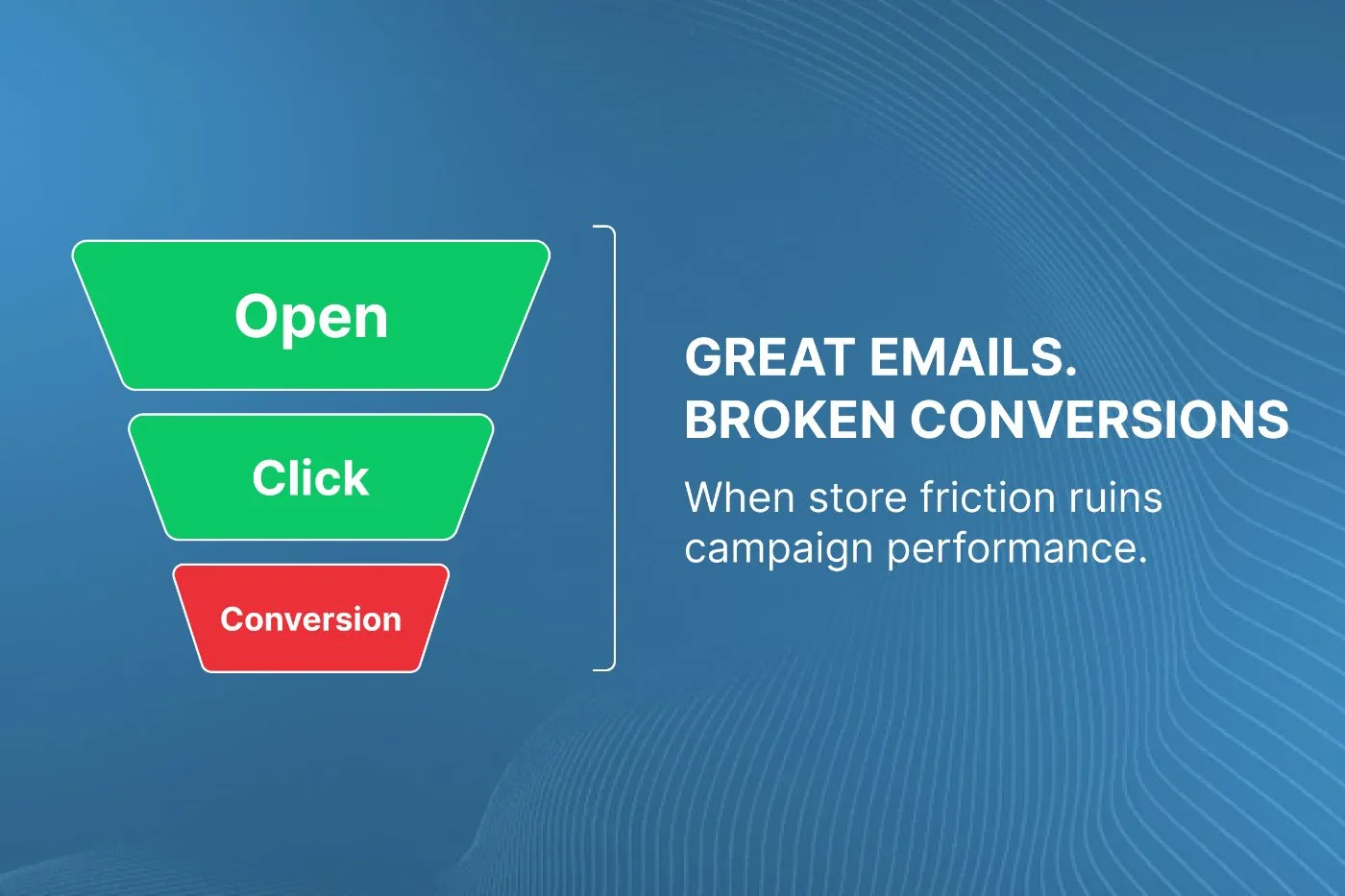
Your emails need to look good, both from a design and functionality perspective. They need to stand out in the ever-crowding space of people’s inboxes. With people accessing their emails on smartphones, tablets, laptops, and desktop computers, making sure your emails look good across every device, is a must. In this article, we’ll provide you with essential tips on how to test your emails for compatibility across multiple devices and we will introduce you to an invaluable tool that can make the process a breeze: Email on Acid.
Why Testing Email Compatibility Matters
As we’ve mentioned in our previous article on Food Industry Email Marketing Tips, email marketing is an essential component of any successful digital marketing strategy. However, if your emails don’t display correctly across different devices, you are absolutely losing potential customers. There are a bunch of ways to design test your emails, i.e. from directly within your ESP (Klaviyo), from something like Email on Acid, or dare I say, by sending it to yourself (don’t do this).
Step-by-Step Guide to Testing Email Compatibility
Before you actually test though, here are some email design fundamentals:
1. Use a Responsive Email Design
Responsive design ensures that your email layout adapts to the screen size of the device it’s being viewed on, providing a seamless experience for your subscribers. Most email marketing platforms, like Klaviyo, offer responsive email templates that automatically adjust to different devices. Most platforms will allow you to view how the email could look from say a mobile device or desktop device from within its building interface as well. In the image below you can what I mean:

2. Keep Your Email Design Simple
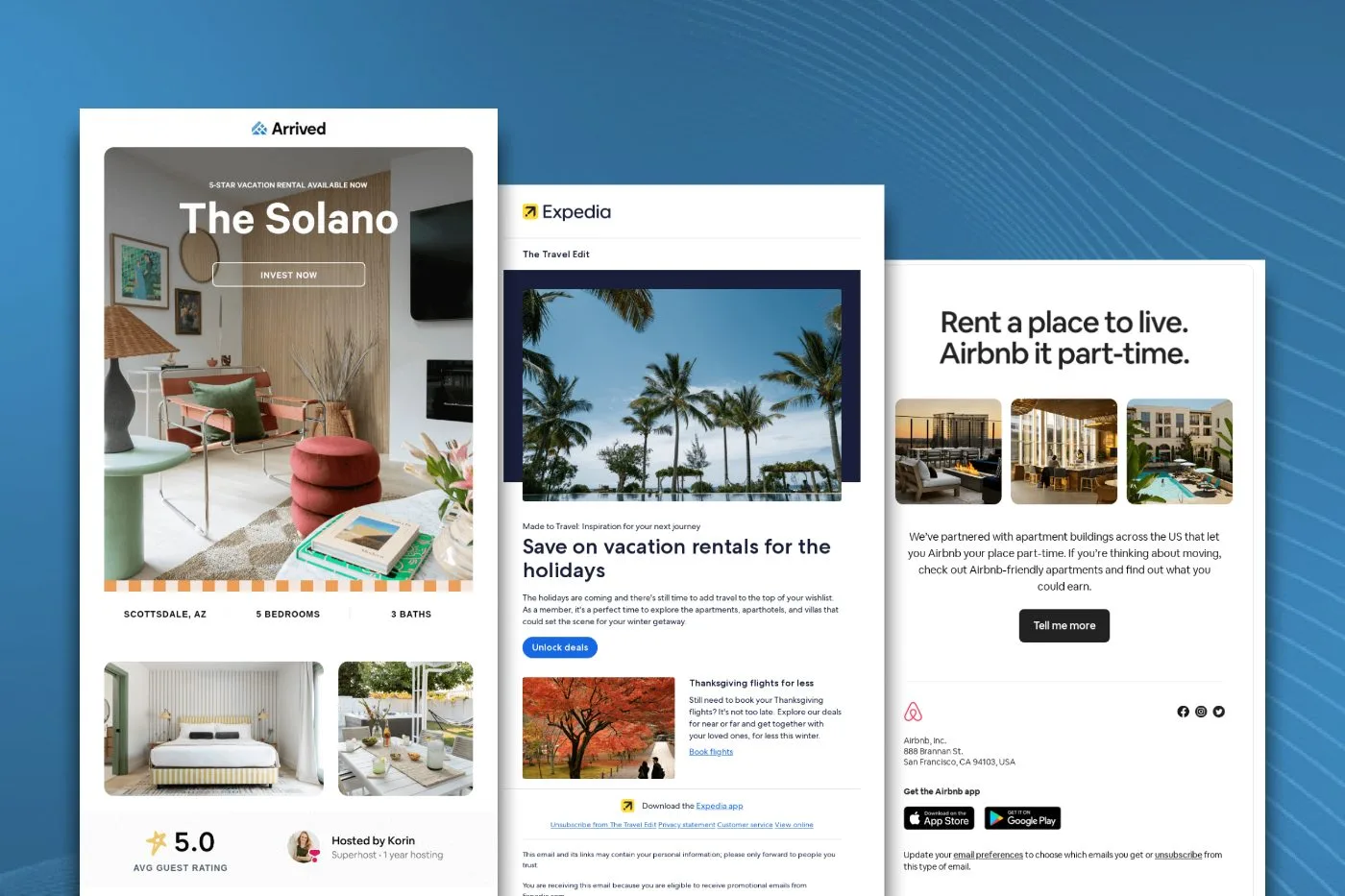
A clean and straightforward email design is more likely to display correctly on various devices. Avoid using complex layouts, excessive images, or intricate HTML that may cause compatibility issues. Try to avoid a lot of contrasting colors as dark mode has really put a wrench in this (we will write a separate article about this later). Notice how, with the email below, the design is limited to only a few colors and is on a white background. This prevents anything from being skewed when presented in dark mode.

3. Test with a Tool like Email on Acid
Email on Acid is an excellent tool for testing email compatibility across multiple devices and platforms. It allows you to preview your email design in real-time on various devices and email clients, ensuring that your campaigns display correctly and function as intended.
Here’s how to use Email on Acid:
- Sign up for an account on the Email on Acid website.
- Compose your email using your preferred email marketing platform.
- Copy the HTML code of your email and paste it into the Email on Acid platform or send it as an email directly to the platform itself.
- Run the compatibility test to see how your email will appear on different devices and email clients.
- Review the test results and make any necessary adjustments to your email design.
Sometimes the adjustments can be pretty hefty, and if that’s the case, just give us a call! The reality is, you are not going to get things perfect on every single device, but you can get pretty close. Sometimes on email on acid, it will display browsers from say Russie, i.e. Yandex, and these will come out pretty wild-looking. I would recommend ignoring these all together and not try to optimise for them.
4. Test Your Links and CTAs
Make sure all your links and calls-to-action (CTAs) work correctly on different devices. Broken links or unresponsive CTAs can frustrate your subscribers and lead to a loss of potential conversions, not to mention unsubscribes.
5. Optimize Your Email for Mobile Devices
With a growing number of people accessing their emails on mobile devices, optimizing for mobile is a must. Actually, we would suggest building for mobile, and then optimising for desktop afterwards… as crazy as that sounds. Use large fonts and buttons, concise copy, and mobile-friendly images to ensure your emails are easily readable and engaging on smaller screens. This is something we see people mess up all the time! If you have text in your images, make sure the text is legible on a smaller device and if needed, create a separate mobile-only block in the email that has the font even larger.
6. Test Your Emails on Different Email Clients
Your subscribers may be using various email clients, like Gmail, Outlook, or Apple Mail. Make sure to test your email campaigns on the most popular email clients to ensure compatibility and proper rendering. We have seen some pretty interesting renders, with Outlook typically being the worst. If you pay for Email on Acid, this should be very easy to do.
Learn from Successful Email Marketing Campaigns
Take inspiration from successful email marketing campaigns like those discussed in our Food Industry Email Marketing Tips article. By following best practices and utilizing tools like Email on Acid, you can create email campaigns that look great and perform well across multiple devices, ensuring a positive experience for your subscribers and driving results for your business.
Testing your emails for compatibility across multiple devices is an essential step in any email marketing strategy. By using tools like Email on Acid and following best practices, you should know how to test your emails for compatibility across multiple devices and you can create email campaigns that display correctly on various devices and platforms, ensuring a seamless and engaging experience for your subscribers. It does take time, but if done right, it will pay off.
So, start testing your emails for compatibility today and watch your email marketing efforts soar to new heights.