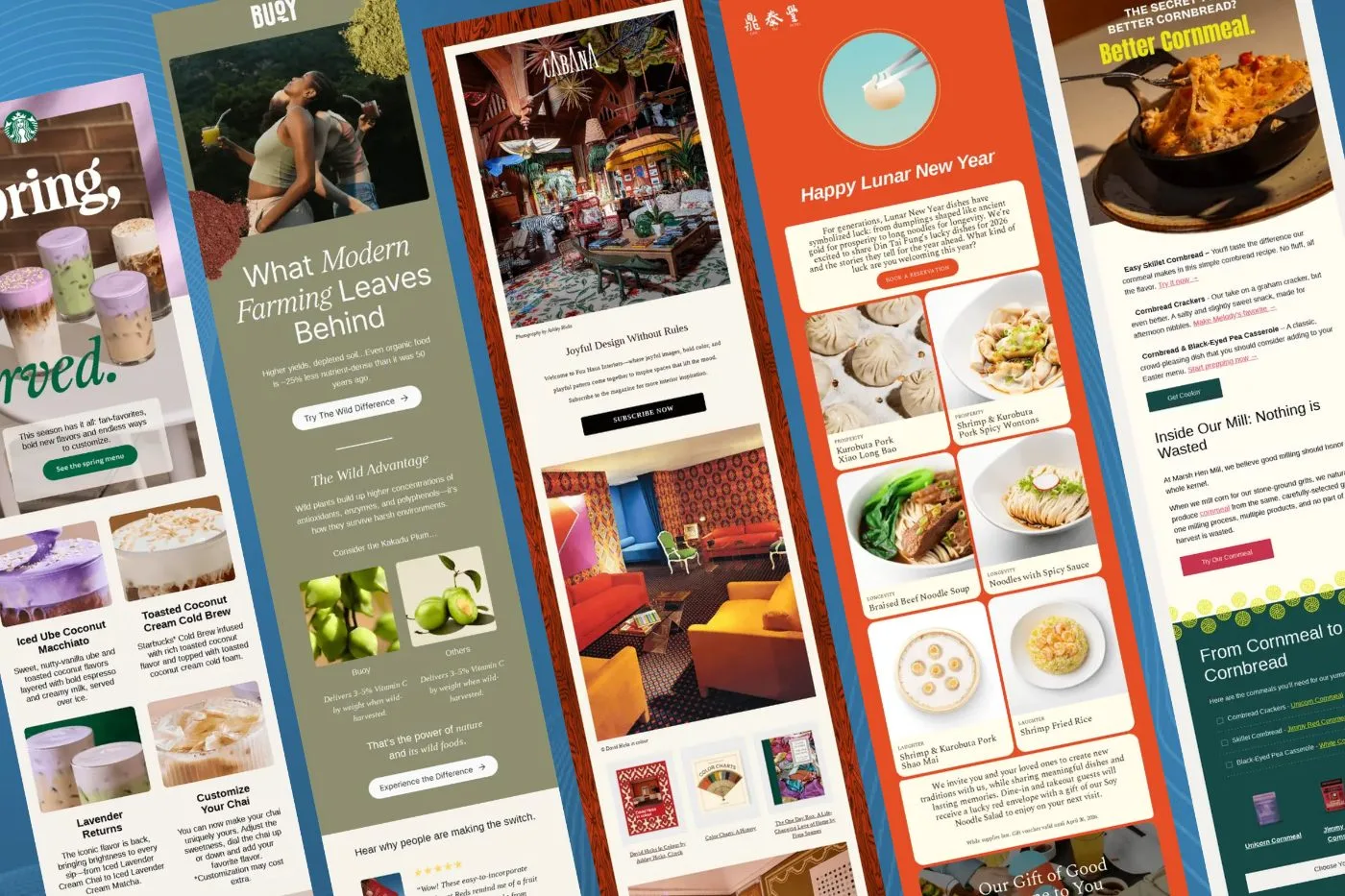
The 60-30-10 Content Split
Most ecommerce stores burn out their lists because every single broadcast is a discount pitch. If you only show up when you want money, open rates drop and unsubscribes climb. In my books, you need a predictable content rhythm that balances value with selling.
A reliable benchmark I use across our client accounts is a 60-30-10 split:
- 60% Educational content: Brand stories, founder notes, behind-the-scenes material, and usage advice that ask for nothing in return.
- 30% Product-focused content: Spotlights on specific SKUs, styling ideas, material breakdowns, and customer reviews.
- 10% Direct sales content: Sitewide sales, promotional discounts, and limited-time offers.
Educational emails do not always generate direct revenue on the day. That is not their job. Their job is to build trust so that when you do launch a product or run a sale, your subscribers actually open and buy.
High-Performing Educational Angles
Educational content does not mean writing a university thesis. It means showing the human side of your business and answering the questions buyers have before they purchase.
Behind the Scenes and Material Science
Show photos of your warehouse, the factory floor, or your team packing orders. People connect with raw, unpolished imagery much better than generic stock photography. If you sell apparel or technical gear, explain why you chose a specific fabric or component. Positioning your choices clearly helps justify a premium price tag.
Founder Letters and Us Versus Them
One thing I like to do is send plain text emails directly from the founder. Keep the formatting minimal, tell the story of why you started the brand, and ask a question at the end. You will be surprised by how many genuine replies you receive.
An 'Us vs Them' comparison works well, too. You can contrast your approach against industry standards or direct competitors. It draws a clear line in the sand and gives your audience a reason to choose you.
Matching Content to the Right Segments
Sending every email to your entire list will destroy your deliverability over time. You need to match the type of campaign to the right audience segment.
Only three types of broadcast emails predictably print revenue from a broad send: new product releases, restocks, and major promotional sales. If your account deliverability is healthy, these can go out to a broader audience.
Educational and product-focused emails should be kept tighter. In most cases, you should send these strictly to your engaged segment (such as subscribers who have opened or clicked within the last 90 days). You can also use zero-party data and purchase history to exclude recent buyers from seeing a product pitch they bought last week, steering them toward complementary items instead.
Setting Up Your Campaign in Omnisend
While we work heavily in Klaviyo, Omnisend is a genuine alternative for growing brands. It offers roughly 95% of the core functionality at a significantly lower software cost.
When you jump into Omnisend to build a campaign, get your basic settings right before touching the design:
- Sender name: Use a real person's name or a personalised brand identifier (like 'Gavin from In-box') rather than just a generic company label.
- Sender email: Always send from a dedicated sending domain configured with proper DKIM and DMARC authentication.
- Preheader text: Treat the preview text as an extension of your subject line. Use it to complete the thought and encourage the click.
Email Design Details That Protect Deliverability
Once you are in the drag-and-drop builder, small technical oversights will hurt your performance. Always add descriptive alt text to every single image in your layout. If a subscriber opens your message on a weak mobile connection or with images blocked by default, the alt text ensures they still understand the message. It also provides positive signals to mailbox providers.
Make sure every image links through to a relevant product or landing page. People tap images constantly on mobile devices. If an image is not clickable, that is wasted intent.
Always send a live test email to your own inbox before scheduling. The editor preview is useful, but it does not reveal how your layout renders in Apple Mail or Gmail mobile apps.
Recipient Selection and Auto-Resends
At the final review stage, select your pre-built engaged segments. Omnisend gives you an option to automatically resend the campaign to non-openers after a set period. Be careful with this setting.
If your account deliverability is clean and you are mailing engaged subscribers, the auto-resend feature can pick up a modest bump in revenue. But if your open rates are already dipping below 30%, do not use it. Bombarding unengaged contacts with the same email twice just accelerates your path to the spam folder.
Final Thoughts
A successful email campaign strategy is about consistency and list hygiene, not discount blasting. Keep your content balanced between education and direct offers, protect your sender reputation with proper segmentation, and test every build thoroughly before sending.
If you want help building out an ecommerce campaign calendar that delivers consistent monthly revenue, take a look at our email campaign management services.