1. Welcome Email
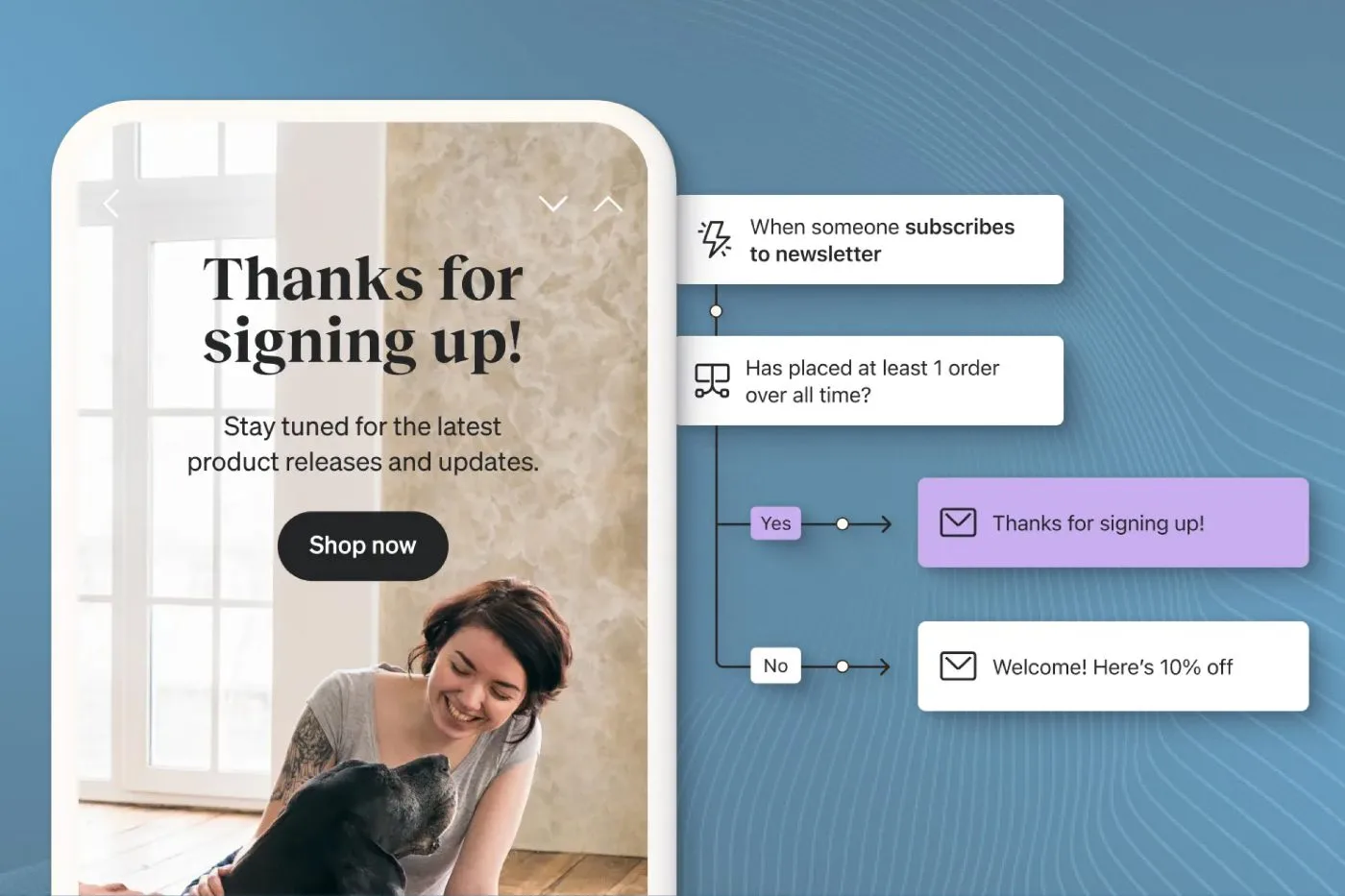
Your welcome email sets the tone for your entire relationship with new subscribers. This first touchpoint needs to make an impact, you’ve got one chance to show new subscribers they made the right choice by joining your list.
A strong welcome email:
- Thanks subscribers for joining
- Sets clear expectations about what they’ll receive
- Delivers on any promised incentives (like sign-up discounts)
- Introduces your brand’s personality and values
- Encourages immediate engagement
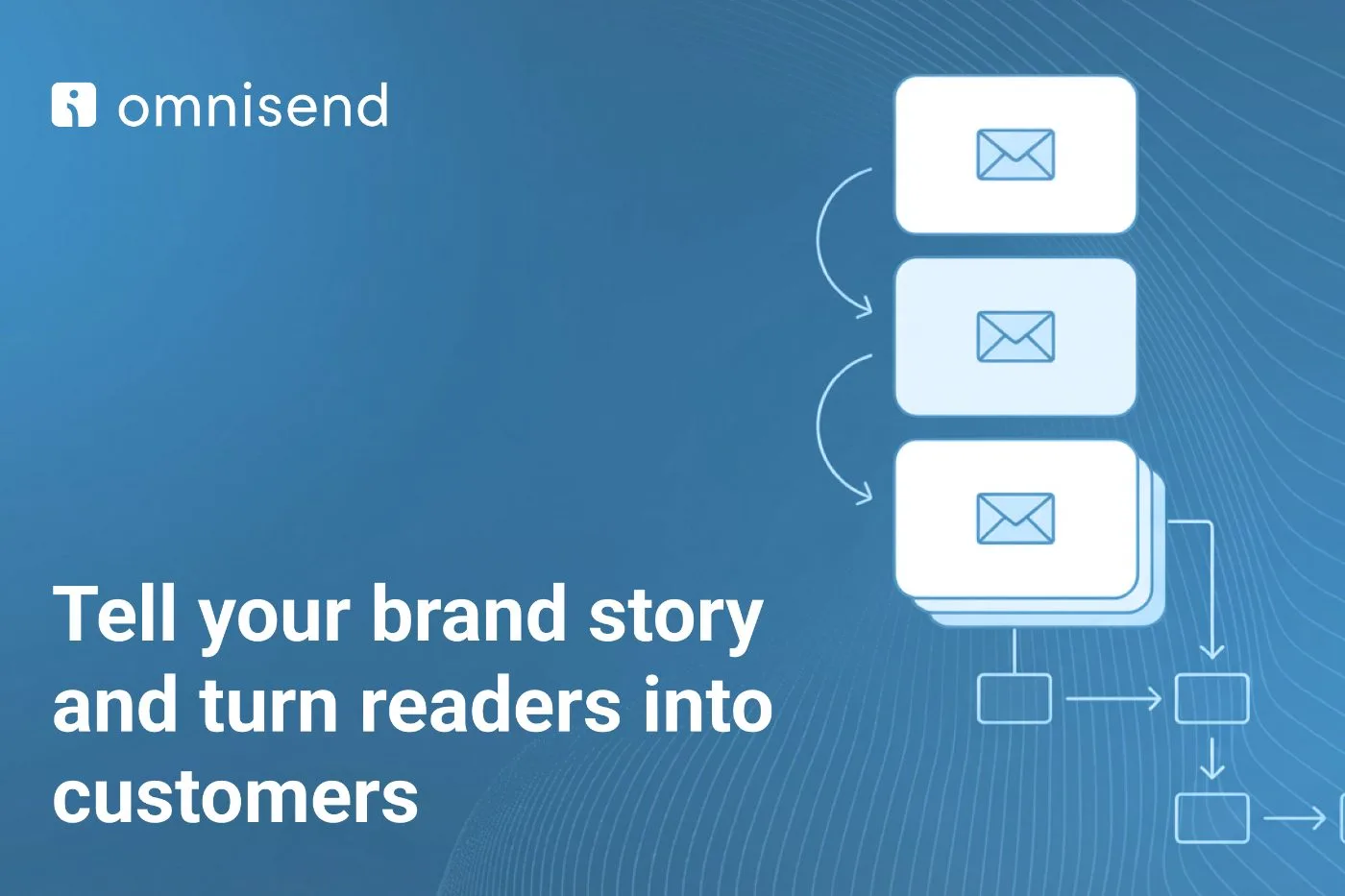
You can create a single welcome email or develop a series that gradually introduces new subscribers to your brand over several days. Many successful brands opt for a 3-4 email welcome sequence that builds engagement over time.
Many businesses try cramming everything into a single welcome message, but that’s not the most effective approach. Instead, consider building a strategic 3-4 email welcome sequence that gradually introduces new subscribers to your brand.
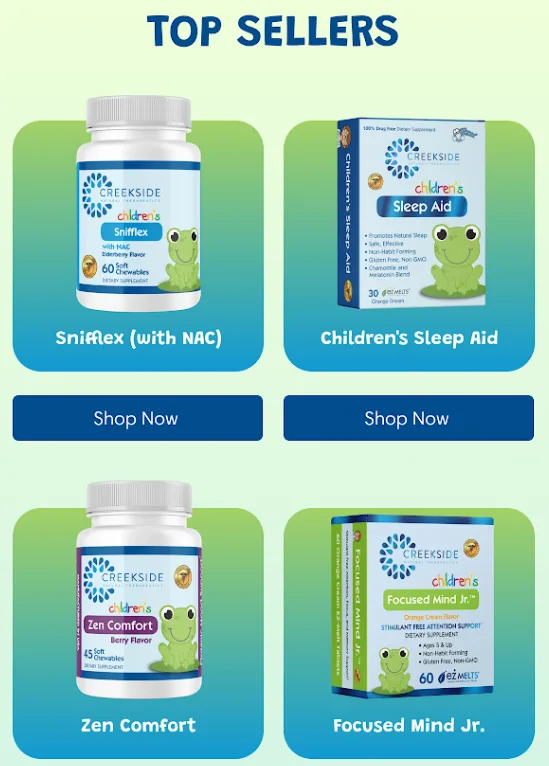
Your first email keeps things simple, warm greeting, quick thank you, and any promised sign-up incentives like discounts. The second email can showcase your best-selling products, while the third highlights your brand story and values.
Testing shows this measured approach typically generates 3x more revenue than single welcome emails. The key is making each message count, set clear expectations about what they’ll receive, encourage immediate engagement with your brand, and maintain your unique brand voice throughout.
For a deeper dive into selecting the right tools, explore our guide on the 12 Best Email Marketing Platforms for Ecommerce Success.
2. Abandoned Cart Reminder
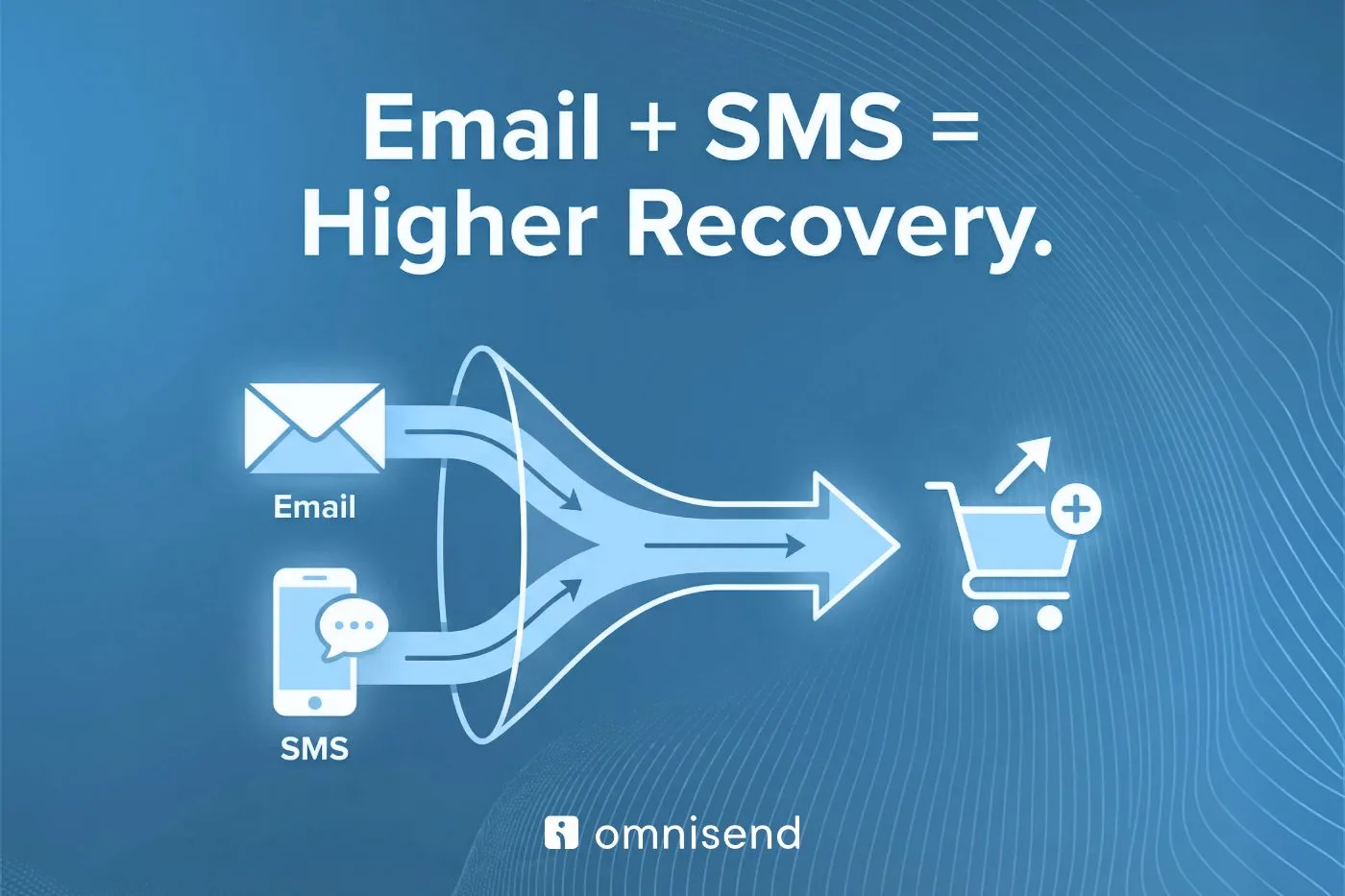
Shopping cart abandonment affects every ecommerce store and ecommerce marketing agency owner, it’s just part of online retail. But that doesn’t mean you should accept those lost sales. A well-timed abandoned cart automation can recover a significant portion of those potential purchases.
Timing makes all the difference here. Data shows the first hour after abandonment has the highest recovery rates, often exceeding 20%. Start with a gentle reminder showing the items left behind, make it helpful rather than pushy. You’re not trying to make them feel guilty; you’re helping them complete a purchase they already showed interest in making.
If that first email doesn’t work, follow up with 1-2 more messages over the next few days. Your second email works well highlighting product benefits and real customer reviews.
For your final attempt, consider adding a time-sensitive discount to drive action. Just remember to exclude anyone who’s already purchased between reminder emails, nothing worse than pushing a sale they’ve already made.
3. Post-Purchase Campaign
The sale isn’t the end, it’s just the beginning of building a lasting customer relationship. Your post-purchase campaign nurtures that relationship while the customer eagerly awaits their order.
This automation can include:
- Order confirmation details
- Shipping updates
- Product care instructions or tips
- Complementary product recommendations
- Request for feedback once the product arrives
Make sure each email adds value. You don’t want to spam customers with unnecessary messages when they’re already excited about their purchase.
Personalization matters here too. Customize your content based on what they bought. Someone who purchased skincare products might receive a personalized routine guide, while a clothing buyer could get style inspiration featuring their new pieces.
The goal is adding real value at each touchpoint without overwhelming them with unnecessary messages when they’re already excited about their purchase.
4. Thank You Email
A genuine thank you goes further than you might think in building customer loyalty. Your thank you emails shouldn’t feel like another sales pitch, they’re about showing customers you truly value their business and building that emotional connection with your brand.
Keep these emails sincere and personal. Add touches of your brand personality, but resist the temptation to hard sell.
While you can include a small offer for their next purchase, the main focus should stay on expressing real appreciation. Consider personalizing based on their purchase history or interaction with your brand.
Some effective approaches include highlighting the impact of their purchase (especially for sustainable or charitable brands), sharing user-generated content from your community, or giving them early access to upcoming products. The key is making customers feel like valued members of your brand family, not just another transaction.
5. Browse Abandonment Email
When someone spends time looking at specific products but leaves without adding them to their cart, they’re telling you something valuable. These window shoppers showed clear interest, they just need the right nudge at the right time to convert.
Set your browse abandonment automation to trigger when someone views the same product multiple times or spends significant time browsing without purchasing.
But don’t just remind them what they viewed, add value to the conversation. Include product details they might have missed, answer common questions about the items, or showcase glowing reviews from other customers.
The timing sweet spot typically falls between 1-4 hours after they leave your site. Any longer and you risk losing that initial interest.
Consider segmenting these emails based on browse time or number of products viewed, someone who spent 20 minutes looking at one product deserves a different message than someone who quickly scrolled through several items.
6. Order Confirmation
Order confirmations get some of the highest open rates of any email type. People want to know their order went through successfully. This creates a perfect opportunity to enhance the customer experience.
Your order confirmation should:
- Clearly show all order details
- Include expected delivery date
- Provide any relevant order tracking information
- Make it easy to contact customer service
- Share helpful next steps or product information
Use this touchpoint to build excitement about their purchase. Share user-generated content showing others enjoying the same product, or offer exclusive access to a customer community. Some brands even include a small surprise, like a bonus discount on complementary items, to delight customers when they least expect it.
7. Reorder Reminder
For products that need regular replacement, like cosmetics, supplements, or consumables, a reorder reminder automation keeps customers stocked up while building repeat business.
Time these emails based on typical usage patterns. If you sell coffee beans that last about a month, schedule the reminder for 3-4 weeks after purchase. Include a simple reorder button to make the process seamless.
These automations work especially well when paired with a subscription option. Show them how much they could save annually with a subscription, both in money and time. Some brands even gamify this by tracking how many reorders customers have made and offering loyalty perks at certain milestones.
8. Back in Stock Automation
Running out of popular items happens, but you don’t want to lose sales because of it. A back-in-stock automation lets interested customers know as soon as items they want become available again.
Set this up as a simple notification system where customers can opt in to alerts for specific products. When stock returns, send them a prompt notification, these customers already showed buying intent, so quick action increases your chances of making the sale.
Want to learn an even more powerful SMS back in stock automation? Learn more about how we use SMS campaigns at In-box.
9. Shipping Confirmation
Shipping confirmations satisfy customers’ need to know where their order is and when it will arrive. This automation should trigger as soon as shipping labels are created or orders leave your facility.
Include:
- Tracking number and direct tracking link
- Expected delivery date
- Order summary
- Customer service contact information
- Care instructions or tips for when the item arrives
Lead with the practical stuff: tracking link, expected delivery date, and order summary. But then go further. Include product-specific content that helps them prepare for arrival, maybe setup instructions, care guides, or style tips. Add a prominent customer service link for any delivery questions.
Smart brands use this waiting period strategically. Share user-generated content showing others enjoying the same product, or offer tips for getting the most value once their order arrives. You might even include a preview of what’s coming next season to keep them engaged with your brand beyond this purchase.
 10. Upsell Automation
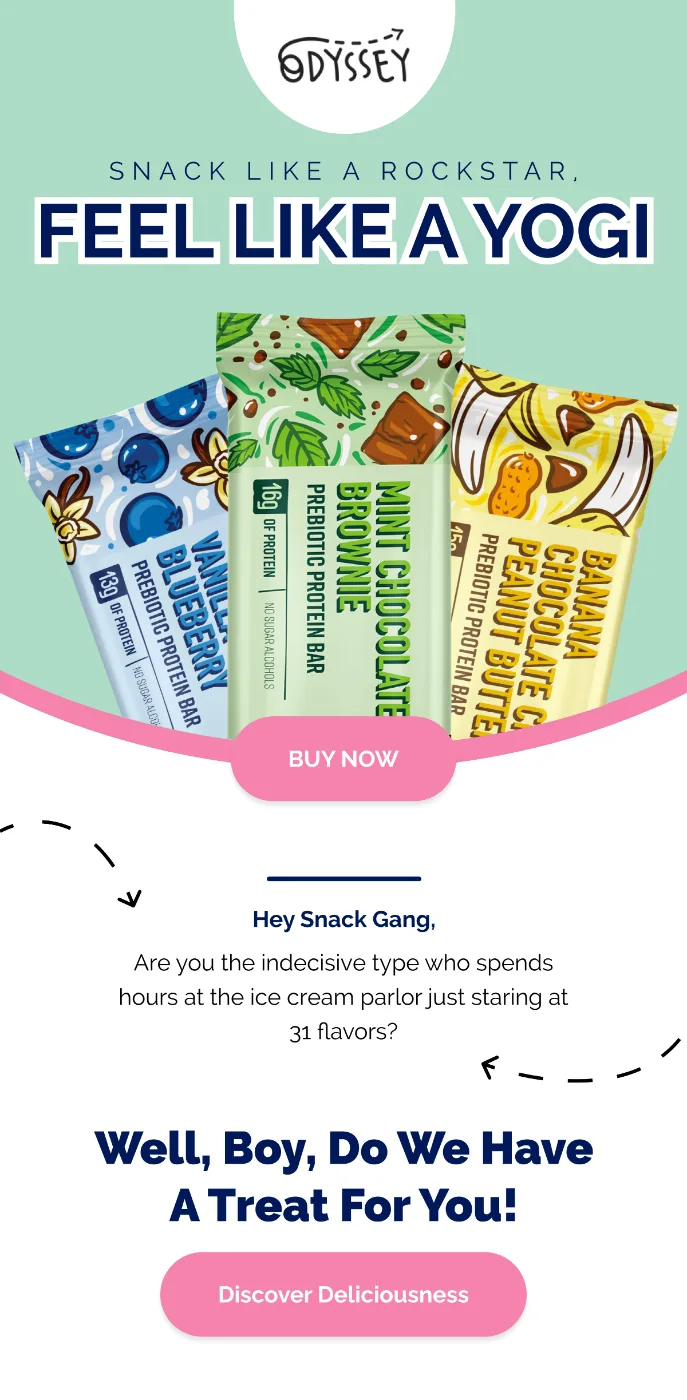
Strategic upselling through email automation can significantly increase your average order value. The key is recommending products that truly complement what customers have already purchased or shown interest in.
Your upsell automations might include:
- Product bundles that save money
- Accessories that enhance the original purchase
- Premium versions of products they’ve bought
- Related items other customers frequently buy together
Time these emails carefully based on the original purchase. For everyday items, you might send them within days.
For bigger purchases, give customers time to experience their first product. Build your upsell suggestions around products that genuinely complement what they bought, bundled deals that save money, accessories that enhance the original purchase, or premium versions for customers who love the basic model.
Personalize these recommendations using customer data. Someone who bought workout gear might appreciate supplements or fitness accessories. A customer who purchased a coffee maker would be interested in beans or filters. Track which combinations work best and refine your suggestions over time.
11. Review Request
Customer reviews build trust and help drive future sales. An automated review request makes it easy to collect this valuable feedback at the right time.
Wait until customers have had enough time to use the product, usually 1-2 weeks after delivery. Make leaving a review as simple as possible, and consider offering a small incentive for their feedback.
Your review request should:
- Reference their specific purchase
- Explain why reviews matter
- Make the review process clear and easy
- Thank them for their time
- Offer help if they’re not satisfied
Consider offering small incentives for detailed reviews, like a discount on their next purchase or entries into a monthly prize draw. Some brands effectively use social proof here, showing how many others have reviewed the product or highlighting featured customer photos. Just remember to follow up with anyone who leaves a negative review, it’s a chance to turn a critic into an advocate.
12. Birthday Email
Birthday emails aren’t just another promotional message, it’s an email idea that helps make customers truly special. These emails see some of the highest engagement rates in email marketing, with open rates often exceeding 45% when done right.
Don’t wait until the actual birthday to reach out. Start collecting birth dates during signup or account creation, then plan a mini-campaign around each customer’s special day.
Many successful brands start a few days early with a birthday preview and special offer. The actual birthday email should feel like a celebration, not a sales pitch.
13. Celebration Automation
Beyond birthdays, you can celebrate other milestones with customers. Consider automations for:
- Purchase anniversaries
- Account creation dates
- Loyalty program achievements
- Reaching spending thresholds
- Brand anniversaries
Set up automations for purchase anniversaries (their first order with you), account creation dates, and loyalty program achievements. Each celebration email needs its own personality, don’t just copy your birthday email format. For spending milestones, share stats about their history with your brand.
For loyalty achievements, make them feel like VIPs with exclusive perks or early access to new products.
Track which celebrations generate the most engagement and adjust your strategy accordingly. Some customers might love purchase anniversary reminders, while others engage more with loyalty milestone celebrations. Use this data to personalize future celebration sequences.
14. Win-Back Email
Every list has subscribers who stop engaging over time. A win-back automation helps reactivate these dormant customers before you lose them completely.
Target subscribers who haven’t opened emails or made purchases in 3-6 months. Your win-back sequence might include:
- A “we miss you” message
- Special comeback offer
- Update on what’s new
- Request for feedback
- Final chance to stay subscribed
If subscribers don’t engage after your win-back sequence, remove them from your list to maintain good deliverability.
15. Personalized Product Recommendations
Personalized recommendations show customers you understand their preferences while driving additional sales. These automations can trigger based on:
- Past purchase history
- Browsing behavior
- Category preferences
- Similar customer purchases
- Seasonal relevance
Build your recommendation automations using multiple data points: past purchases, browsing history, wishlist items, and category preferences. But don’t stop there.
Factor in seasonal relevance and trending products within their interest categories. Someone who bought summer dresses last year might appreciate seeing this season’s new styles right as warm weather approaches.
Update your recommendation algorithms regularly based on changing inventory and customer behavior patterns. Test different recommendation styles, some customers respond better to “others also bought” suggestions, while others prefer “complete the look” recommendations. Use this data to refine your approach over time.
 The Benefits of eCommerce Email Marketing Automation
Email marketing automation transforms your ecommerce business by creating consistent, personalized customer experiences that drive results. Let’s look at the key benefits you’ll see when you implement these automations.
Personalization
Automation lets you send highly targeted messages based on individual customer behavior and preferences. You’re not just blasting the same message to everyone, you’re creating relevant experiences that resonate with each subscriber.
More Hands-off
Once you set up your automations, they run in the background while you focus on other aspects of your business. You’ll spend less time on routine email tasks while maintaining consistent communication with your customers. Just remember, all of these automations start with a clean email list. Make sure your list is organized and engaged first.
Increased Engagement
Automated emails typically see higher engagement rates because they’re triggered by specific customer actions and arrive at the right moment. This relevance and timing naturally lead to better open and click-through rates.
Encourages Repeat Purchases
Strategic automation nurtures customer relationships and encourages loyalty. From well-timed reorder reminders to personalized recommendations, these emails keep customers coming back to your store.
Improves Scalability
As your business grows, automation helps you maintain personal connections with customers without proportionally increasing your workload. Your automated systems scale effortlessly with your customer base.
How to Set Up Email Marketing Automations for eCommerce
Getting started with email marketing automation might seem overwhelming, but breaking it down into steps makes it manageable. Here’s how to approach it:
Define Your Goals
Start by identifying what you want to achieve with your automations. Are you focused on reducing cart abandonment? Increasing repeat purchases? Building customer loyalty? Clear goals help you prioritize which automations to implement first.
Choose Your Email Marketing Automation Platform
At In-box, we use Klaviyo for our clients’ ecommerce email automation needs. It offers powerful segmentation capabilities, easy integration with major ecommerce platforms, and detailed analytics to track your results.
Build Your Automation Flow
Map out each automation sequence before building it. Consider:
- Trigger events
- Timing between emails
- Content for each message
- Segmentation rules
- Exit criteria
Start with one automation and perfect it before moving on to the next.
Track and Analyze Results
Monitor key metrics for each automation:
- Open rates
- Click-through rates
- Conversion rates
- Revenue generated
- Unsubscribe rates
Use these insights to continuously optimize your automations. At In-box, we help clients analyze these metrics and make data-driven improvements to their automation strategies.
Frequently Asked Questions
Should I have discounts in my automated email workflows?
While discounts can boost conversion rates, use them strategically. Not every automated email needs an offer. Focus on providing value first, and save discounts for specific situations where they’ll have the most impact.
What is the difference between an automation and drip campaign?
Automations trigger based on specific customer actions or behaviors, while drip campaigns follow a pre-set schedule regardless of customer activity. Automations tend to be more effective because they respond to actual customer engagement.
How do I integrate my eCommerce store with an email marketing automation platform?
Most major email platforms offer direct integrations with popular ecommerce systems. The specific setup process varies by platform, but generally involves installing an app or plugin and connecting your accounts.
Does email marketing automation make sense for small businesses?
Yes! Automation helps small businesses compete with larger competitors by creating professional, consistent customer experiences without requiring a large marketing team.
Final Thoughts
Email marketing automation transforms your ecommerce marketing from a manual, time-consuming process into a streamlined system that delivers results while you focus on growing your business.
Need help setting up or optimizing your ecommerce email automations? At In-box, we specialize in creating high-performing automation strategies for ecommerce brands. Our team can help you implement these automations effectively and maximize their impact on your bottom line.
Contact us today to learn how we can help you leverage the power of email marketing automation for your ecommerce business.