Why Bad Emails Matter
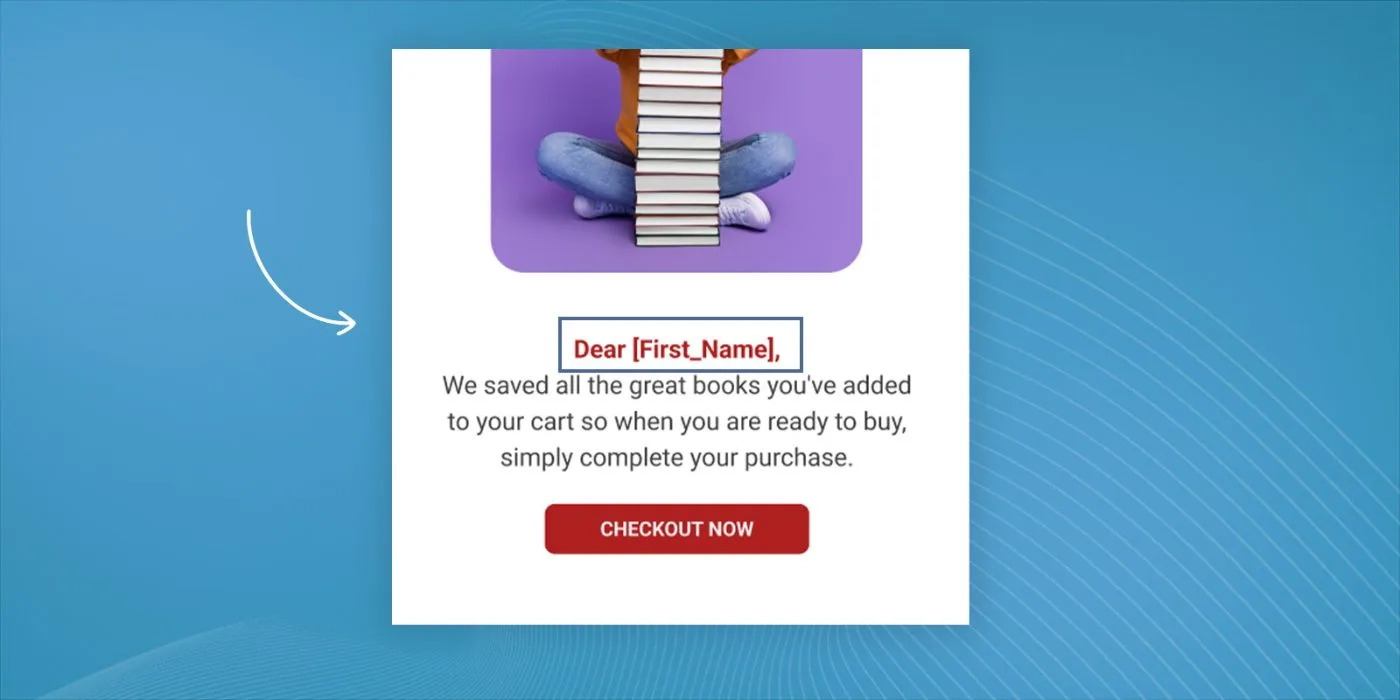
Think about the last time you got a marketing email that addressed you by the wrong name, or worse, called you “Dear .”
These mistakes don’t just look unprofessional; they cost you money. When your emails miss the mark, you’re not just losing potential sales, you’re actively pushing customers away and damaging your reputation.
Are you worried about sending bad emails to your subscribers? Schedule a free consultation with us and we’ll take a look for you!
The Science Behind a “Bad” Email
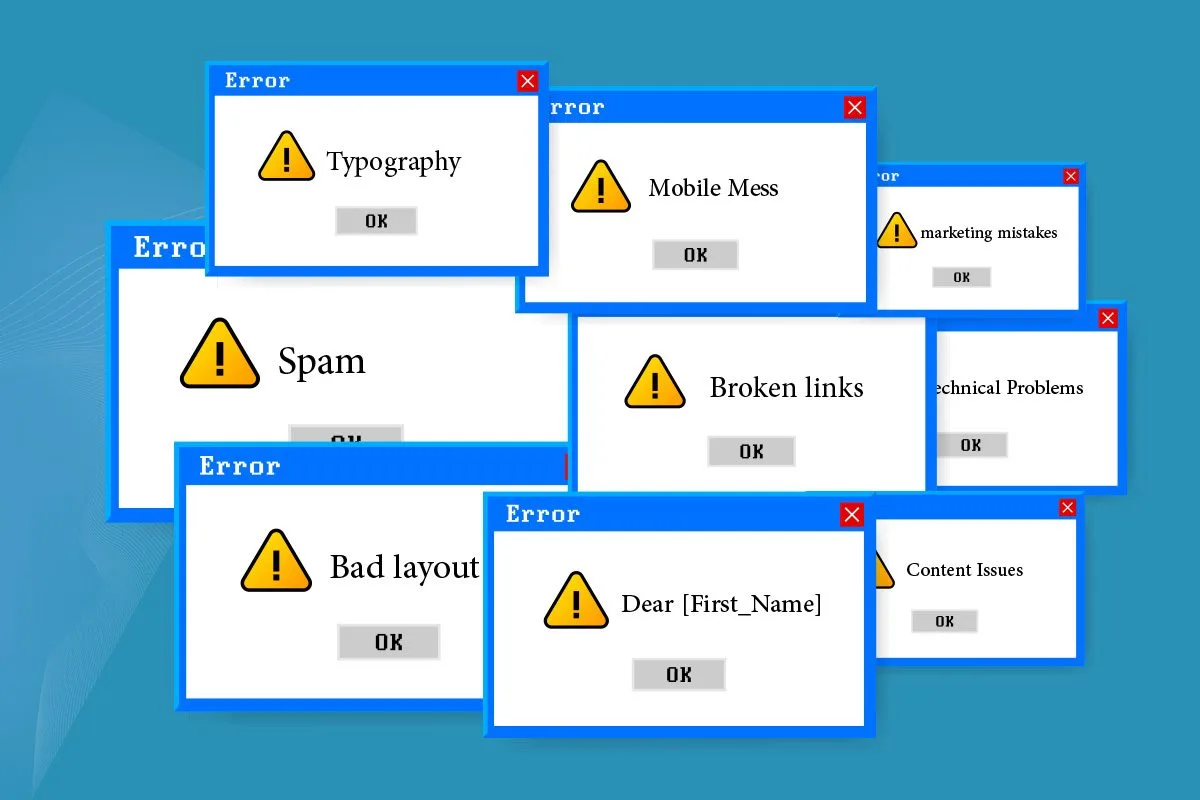
Bad emails come in many shapes and sizes, from minor typos to major technical disasters. Some issues might seem small on their own, but they add up to create an experience that leaves subscribers running for the unsubscribe button.
1. Technical Problems That Tank Engagement
Your beautifully crafted email won’t matter if recipients can’t even open it properly. Technical issues rank among the most common email marketing mistakes and also the most damaging to your reputation.
Non-functioning links top the list of technical disasters. Picture this: A retailer sends out a Black Friday promotional email to their entire list, but the “Shop Now” button doesn’t work. Thousands of potential shoppers click… and nothing happens. That’s ready-to-buy revenue walking out the door.
Mobile responsiveness issues create another huge headache. With over 60% of emails now opened on mobile devices, sending out emails that don’t display properly on phones isn’t just an oversight, it’s a critical error that can cost you sales.
2. Content Issues That Make Readers Cringe
You know those emails that read like they were written by a robot having an identity crisis? That’s what happens when content goes wrong. Grammar mistakes and awkward phrasing might seem like minor issues, but they add up to create an unprofessional impression that’s hard to shake.
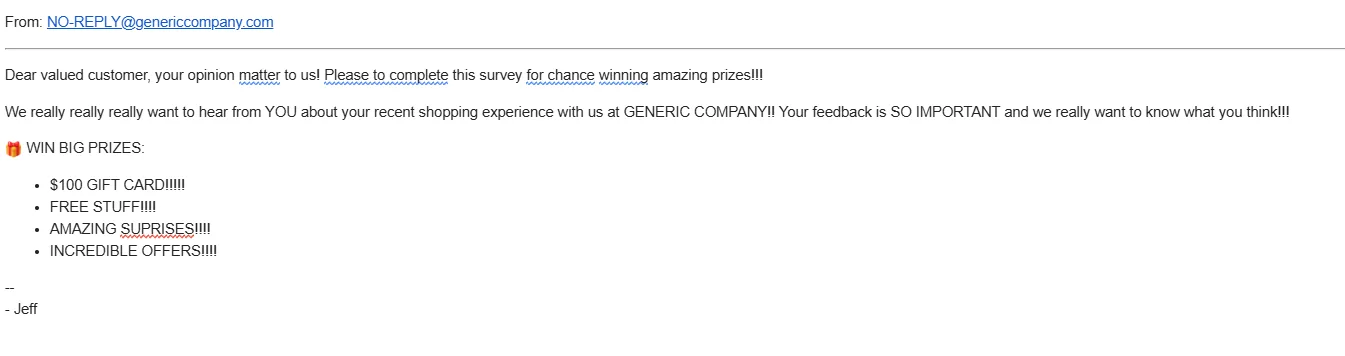
Take this real example from a major retailer: “Dear valued customer, your opinion matter to us! Please to complete this survey for chance winning amazing prizes!!!” Between the grammar errors and excessive exclamation points, this email screams amateur hour.
3. Design Flaws That Drive People Away
Design isn’t just about making things nice, it’s about making your message clear and accessible. Yet some emails look like they were designed in the dark by someone who’s never seen a computer before.
One common disaster? The all-image email. You’ve seen them, emails that are basically one giant image with no text. They might look nice (sometimes), but they’re horrible for accessibility and often don’t even load properly.
The Worst Email Marketing Mistakes We’ve Seen
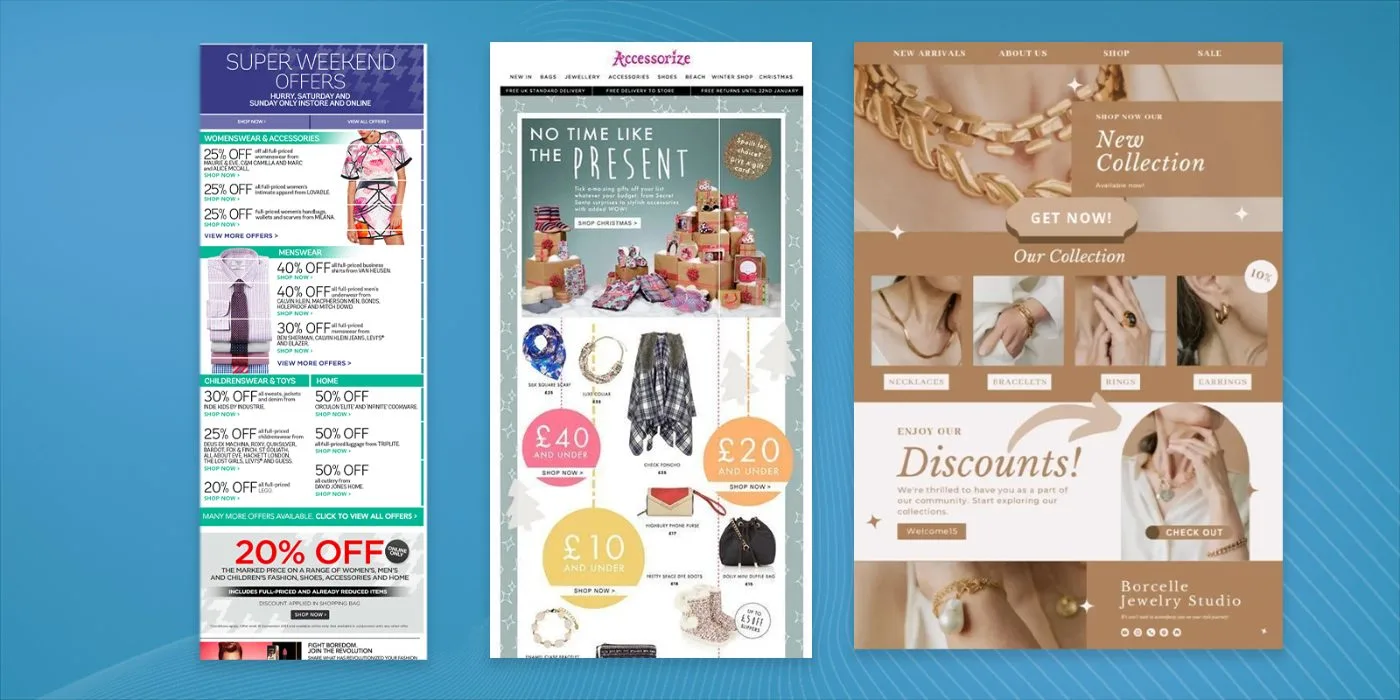
Let’s take a look at some real world examples of email marketing mistakes:
Subject Line Failures
Your subject line serves as your first impression, and some emails blow it spectacularly. Check out this real example:
“LAST CHANCE!!!! Don’t Miss Out on This Amazing Once-in-a-Lifetime Opportunity to Save Big on Our Incredible Products That You Can’t Live Without!!!!”
What’s wrong with it? Pretty much everything. It’s too long, uses too many exclamation points, and screams “spam” to both human readers and email filters.
Personalization Gone Wrong
Personalization can make your emails more engaging, when it works. When it doesn’t, you end up with gems like:
“Happy Birthday, ! We hope you enjoy your special day!”
Or even better:
“Dear undefined, we’ve got a special offer just for you!”
These mistakes show your audience that you’re not really paying attention to them at all.
Design Disasters That Make Eyes Hurt
Some emails look like they were designed by throwing every color, font, and image available into a blender and hitting “send.” Take this example:
The result? An unreadable mess that nobody wants to engage with. Having a quality email marketing platform can help eliminate this issue because they feature drag-and-drop builders that make it almost impossible to send an ugly email.
Content Mistakes That Kill Conversion
Your email content needs to guide readers toward a single, clear action. Instead, some emails throw everything at the wall to see what sticks. One notorious example included:
- 12 different calls to action
- 3 competing promotional offers
- 4 different “Buy Now” buttons leading to different products
- A newsletter signup form
- Social media follow buttons
- A customer survey
No wonder recipients felt overwhelmed and clicked nothing at all.
If you’re struggling to turn opens into clicks and sales, it might be time to revisit your email conversion rate formula and learn how to improve it.
7 Technical Blunders You Can’t Ignore
When technical issues pop up in your emails, they do more than just annoy your readers, they destroy trust in your brand. Let’s look at some real-world examples that’ll make you double-check your next campaign.
1. The Mobile Mess
A well-known fashion retailer sent out a sale announcement that looked perfect on desktop but turned into an unreadable jumble on mobile. The text overlapped, images scaled incorrectly, and the CTA button disappeared entirely on smartphones. Make sure you’re regularly performing email marketing audits to see if everything is working properly.
2. The Link Catastrophe
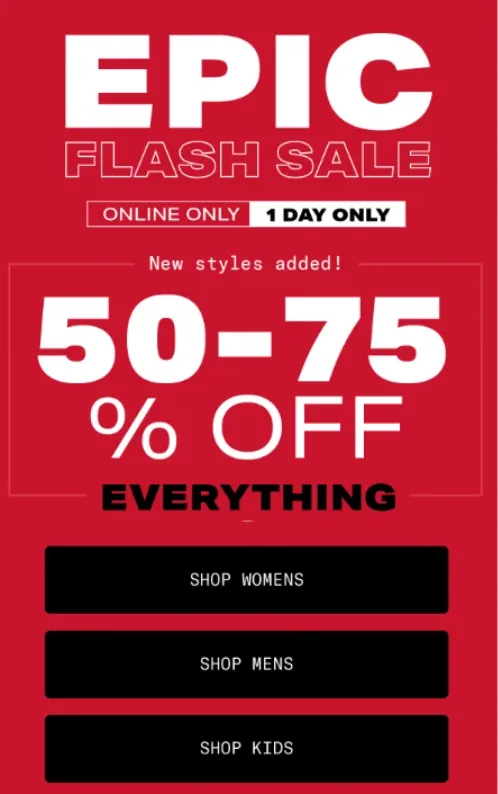
One major electronics company sent a Black Friday promotion to their entire email list, millions of subscribers. The main problem? Every single link in the email pointed to their homepage instead of specific products. They noticed the mistake two hours after sending, but by then, thousands of frustrated customers had already given up.
3. The Image Disaster
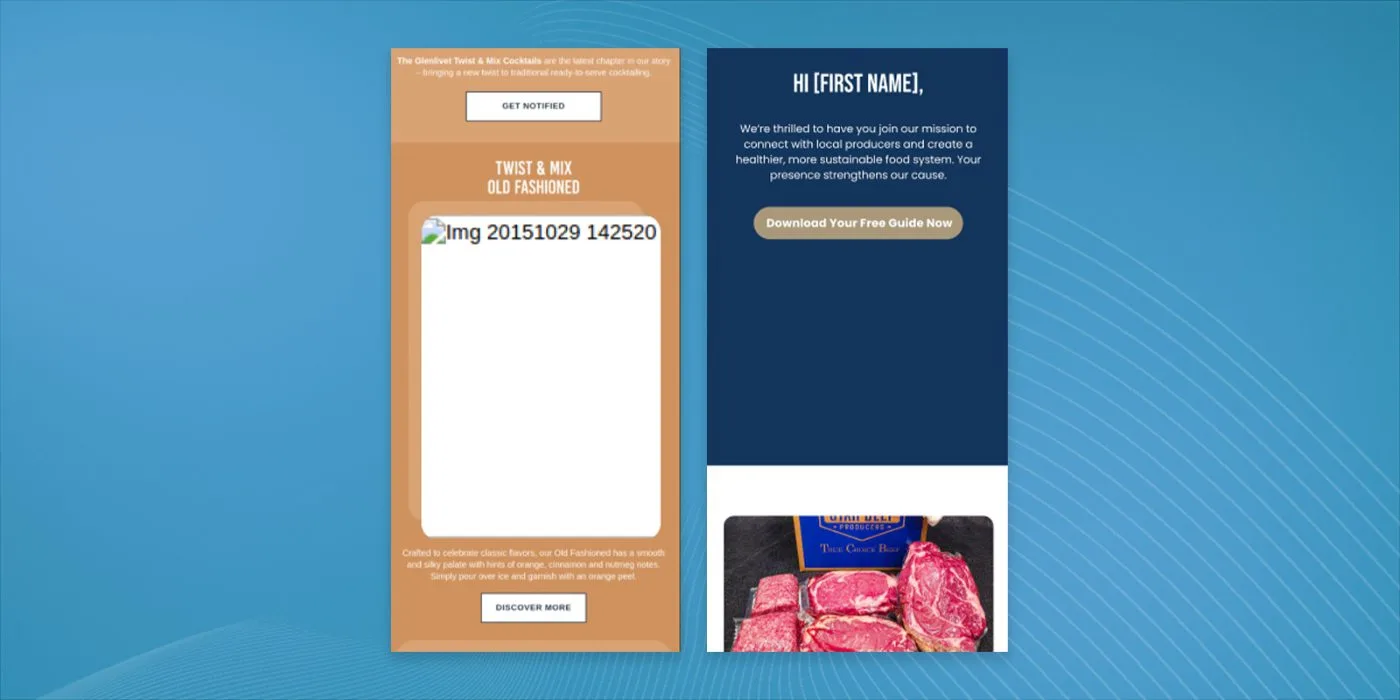
A luxury hotel chain sent an email packed with stunning photos of their properties, but forgot to host the images on their server properly. Recipients saw nothing but broken image icons and “alt text” placeholders. Even worse? They didn’t include any alt text, so screen readers couldn’t describe the images to visually impaired subscribers.
4. The Personalization Nightmare
One major retailer’s personalization system malfunctioned during a major holiday campaign. Instead of showing customers’ names, it displayed their database ID numbers. “Dear Customer #45721” doesn’t exactly scream personal connection. The mistake affected over 100,000 emails before they caught it.
5. The Loading Time Lag
A popular clothing brand embedded high-resolution images in their email without optimizing them. The result? Emails that took forever to load, especially on mobile devices. Analytics showed that 60% of recipients abandoned the email before it finished loading.
6. The Character Encoding Error
An international company sent out a multilingual newsletter, but the character encoding wasn’t set correctly. All special characters appeared as gibberish, making the email unreadable for non-English speaking subscribers. This affected thousands of customers across Europe and Asia.
7. The Form Failure
One software company included an embedded form in their email to collect customer feedback. The form looked great but didn’t work in most email clients. Subscribers who filled it out lost their responses when they hit submit, leading to frustrated customers and zero feedback collected.
Common Scenarios That Go Wrong
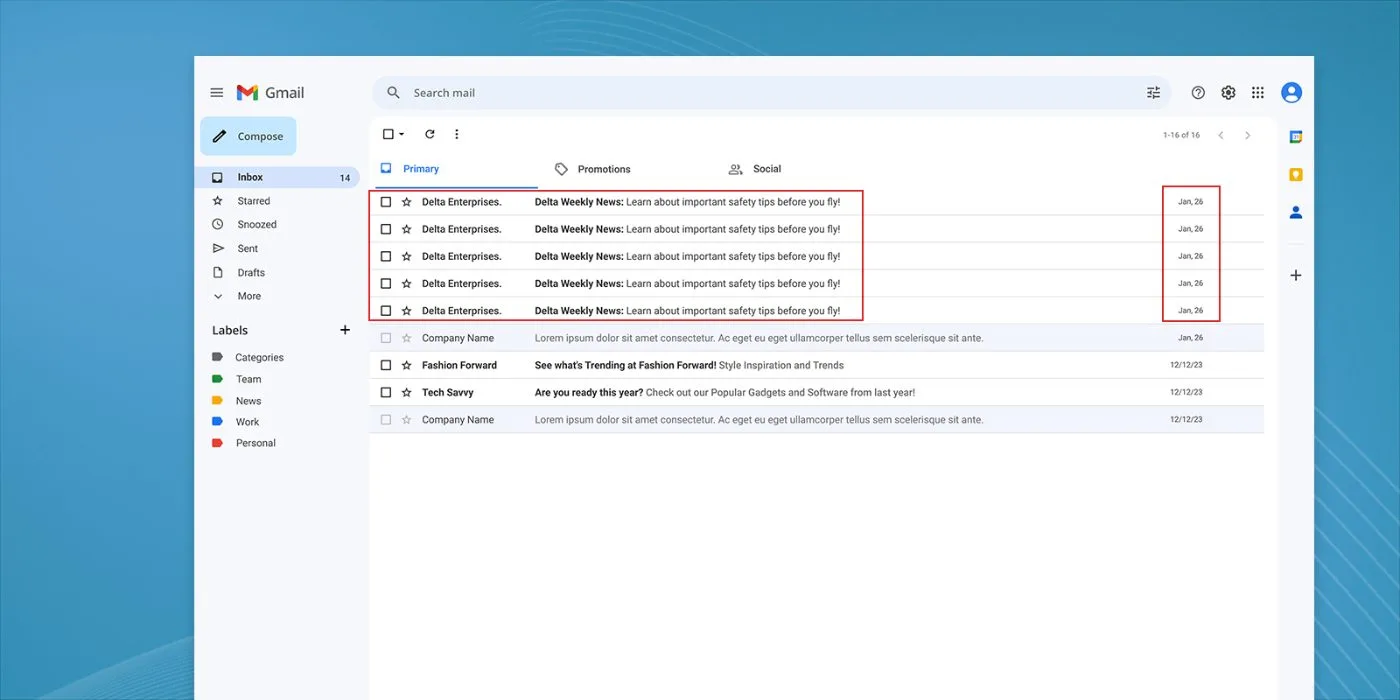
If you’re trying your best to avoid these mistakes, here are some of the most common times we see them pop up.
Holiday Marketing Mishaps
The holiday season brings out some of the worst email marketing blunders. You’ve seen it happen, companies blast their lists with multiple emails per day, each screaming about a “BIGGER AND BETTER” deal than the last.
One retail chain sent 12 different “final chance” emails for the same sale over three days. Their unsubscribe rate skyrocketed, and customer complaints flooded their social media. The lesson? Respect your subscribers’ inboxes during peak seasons and don’t undermine their intelligence.
Automated Email Fails
Automation makes email marketing easier, but when it goes wrong, it goes really wrong. Take this example of an online store’s abandoned cart sequence:
- Email 1 (Day 1): “Don’t forget your cart!”
- Email 2 (Day 2): “Still thinking about your purchase?”
- Email 3 (Day 3): “Last chance to buy!”
- Email 4 (Day 4): “We saved your cart!”
The problem? The customer had already completed their purchase after the first email. They received three more increasingly desperate messages trying to sell them something they’d already bought.
Crisis Communication Errors
When things go wrong, your email communication needs to be perfect. One airline learned this the hard way after a system outage. They sent an email blast with the subject line: “Sorry about the confusion!” The message inside? A promotion for discount flights, with no mention of the outage or how they planned to help affected customers.
Avoiding These Email Marketing Mistakes
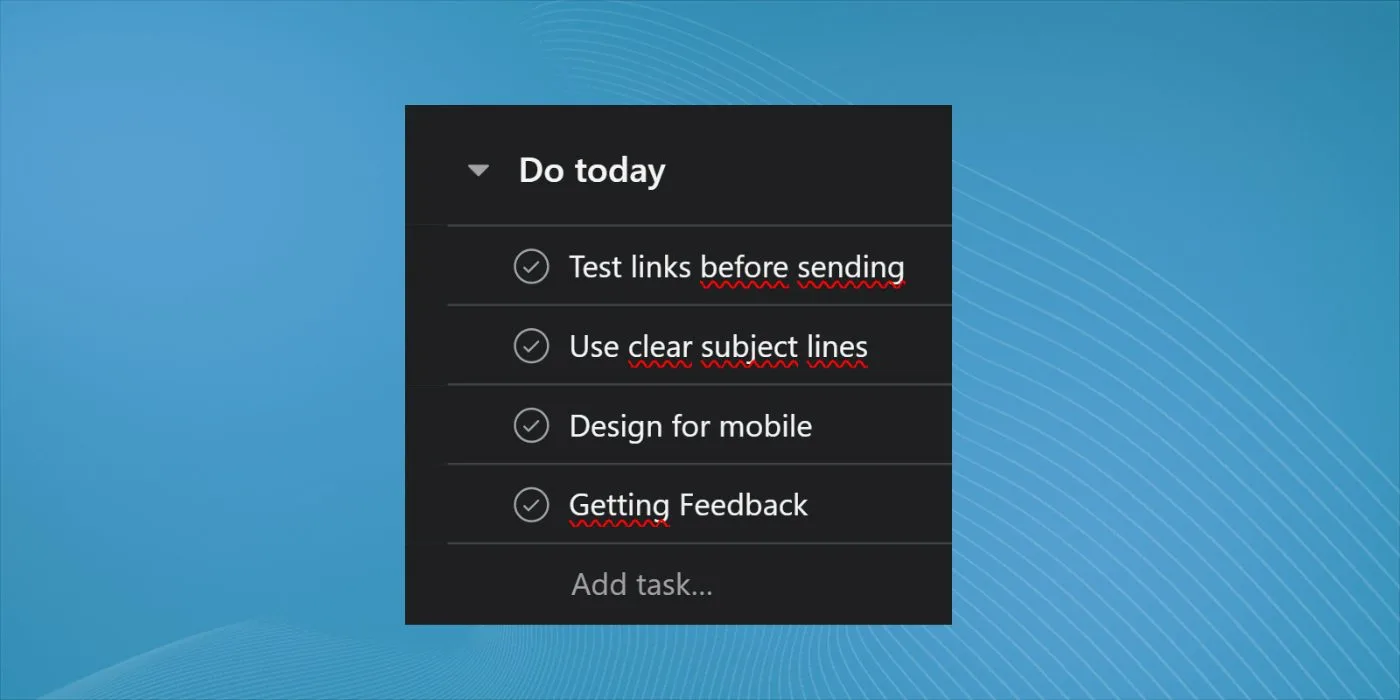
Your Pre-Send Checklist
Before hitting send on your next email campaign, check these essential items:
Make sure all links work and point to the right pages. Test your email on multiple devices and email clients. Double-check that your personalization tags actually pull the right information. Verify that your images have alt text and load properly.
Testing That Works
A/B testing helps you avoid major mistakes, but many companies do it wrong. Don’t test too many elements at once, start with one variable, like subject lines or CTA placement. This gives you clear data about what works and what doesn’t.
Getting Feedback That Matters
Set up a system to track and analyze customer feedback about your emails. Watch your unsubscribe reasons carefully, and pay attention when subscribers tell you why they’re leaving your list.
10 Tips to Maximize Your Email Campaign Success
1. Perfect Your Subject Lines
Don’t make the same mistakes we’ve seen throughout this article. Keep your subject lines under 50 characters and make them specific. Instead of “Don’t miss out on our amazing sale!” try “24-hour flash sale: 40% off winter coats.” The difference? The second one tells subscribers exactly what to expect.
2. Master List Segmentation
You wouldn’t send the same email to a first-time customer and someone who has purchased from you 100 times right? Break your email list into specific segments based on behavior, purchase history, and engagement levels. With proper segmentation and personalization, you can expect to see your open rates increase dramatically.
3. Time Your Sends Right
Sending times matter more than you might think. Test different days and times with your specific audience, don’t just follow generic advice. This is one of those scenarios where it’s impossible to tell you what the best option is. You need to test it and find out for yourself.
4. Keep Mobile in Mind
Design your emails for mobile first, desktop second. Use single-column layouts, large buttons (at least 44×44 pixels), and plenty of white space. Text should be at least 14px, and make sure your CTAs stand out on small screens.
5. Write Like a Human
Drop the corporate speak and write like you’re talking to a real person. Compare these two approaches:
- Bad: “We wish to inform you of our newest product offering…”
- Good: “Check out what we just launched…”
The second version feels more natural and gets to the point faster. Your nurture campaigns should be written in a conversational manner because you don’t need to convert on every email you send. Some are sent to set the stage for future opportunities. Be gentle and play the long game.
6. Focus on One Call to Action
Multiple CTAs compete for attention and lower click-through rates. Pick your most wanted action and make it stand out. We’ve seen ecommerce brands test this approach and see their click-through rate increase by 42% by reducing their CTAs from three to one.
7. Use Data to Drive Decisions
Track these key metrics for every campaign:
- Open rates
- Click-through rates
- Conversion rates
- Unsubscribe rates
- Bounce rates
Use this data to refine your approach. If open rates drop, test new subject lines. If click-throughs fall, review your CTAs and content.
8. Clean Your List Regularly
Remove inactive subscribers who haven’t opened your emails in 6-12 months. Yes, your list will shrink, but your engagement rates will improve. One company saw their deliverability rate jump from 82% to 96% after cleaning their list.
9. Set Up Automated Workflows
Create targeted automation sequences for:
- Welcome emails
- Abandoned cart recovery
- Post-purchase follow-ups
- Re-engagement campaigns
Just remember to regularly review and update these sequences to keep them fresh and relevant.
10. Test Everything
Don’t assume anything, test it. Test your:
- Subject lines
- Preview text
- Email content
- CTAs
- Images
- Send times
- Sender names
Start with A/B testing one element at a time to understand what drives results for your specific audience.
Remember: success in email marketing comes from consistent testing and improvement. These tips work best when you adapt them to your specific audience and goals. Keep track of your results, learn from your mistakes, and always look for ways to improve your campaigns.
Looking Forward: The Future of Email Marketing
Email marketing isn’t getting any simpler. With rising privacy concerns and evolving technology, you need to stay sharp and avoid these common pitfalls. Focus on creating value for your subscribers, respect their time and privacy, and always test before you send.
Remember: Every “bad” email example we’ve looked at started with good intentions. The companies behind them wanted to engage their audiences and drive sales. They just lost sight of what matters most, treating subscribers like real people who deserve respect and value.
The biggest problem is, it takes time and money to truly craft an email marketing campaign that provides value and converts. This is all we do at In-box and it’s why we’re able to get real results for our clients. Check out some of our case studies and enquire today to learn more!