Why Sender Identity Matters More Than Subject Lines
Most marketers go straight to tweaking copy when performance drops. Or they change layouts. Or they shift send times.
Those factors do influence engagement, but inbox placement happens first.
That decision happens before the email is even opened. Inbox providers scan for signals like:
- Previous sending history
- Complaint rates and spam signals
- Authentication (SPF, DKIM, DMARC)
- Consistency of sender identity
These authentication and reputation signals are what determine inbox trust (as discussed in our guide to email deliverability.)
A branded domain creates a stable foundation. It shows Gmail, Outlook, and other providers that you are sending from a verified source with clear ownership.
What Changes Once Authentication Is Active
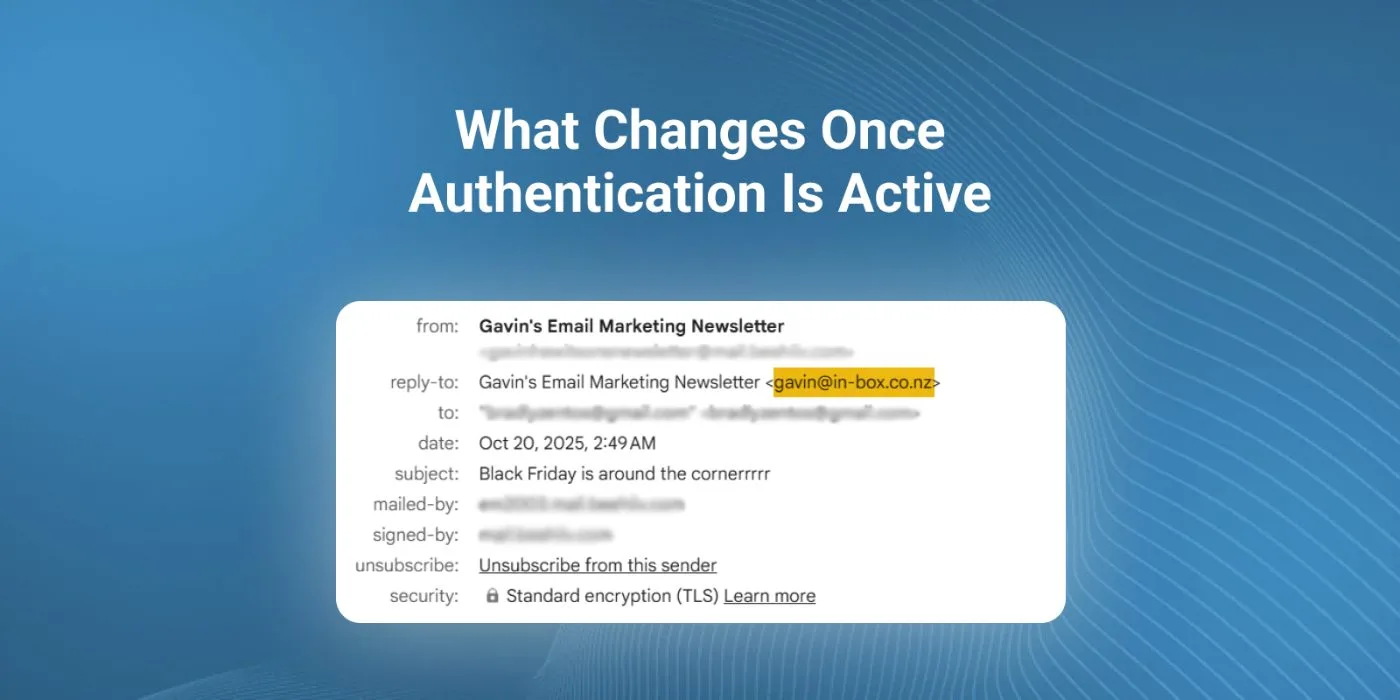
Authenticated emails show as “from yourdomain.com” rather than “via omnisend.com” or another relay.
That visual clarity builds immediate recognition for subscribers and removes hesitation that comes with routed sending. It also ensures your performance is evaluated independently, rather than being grouped with unrelated accounts using the same shared identity.
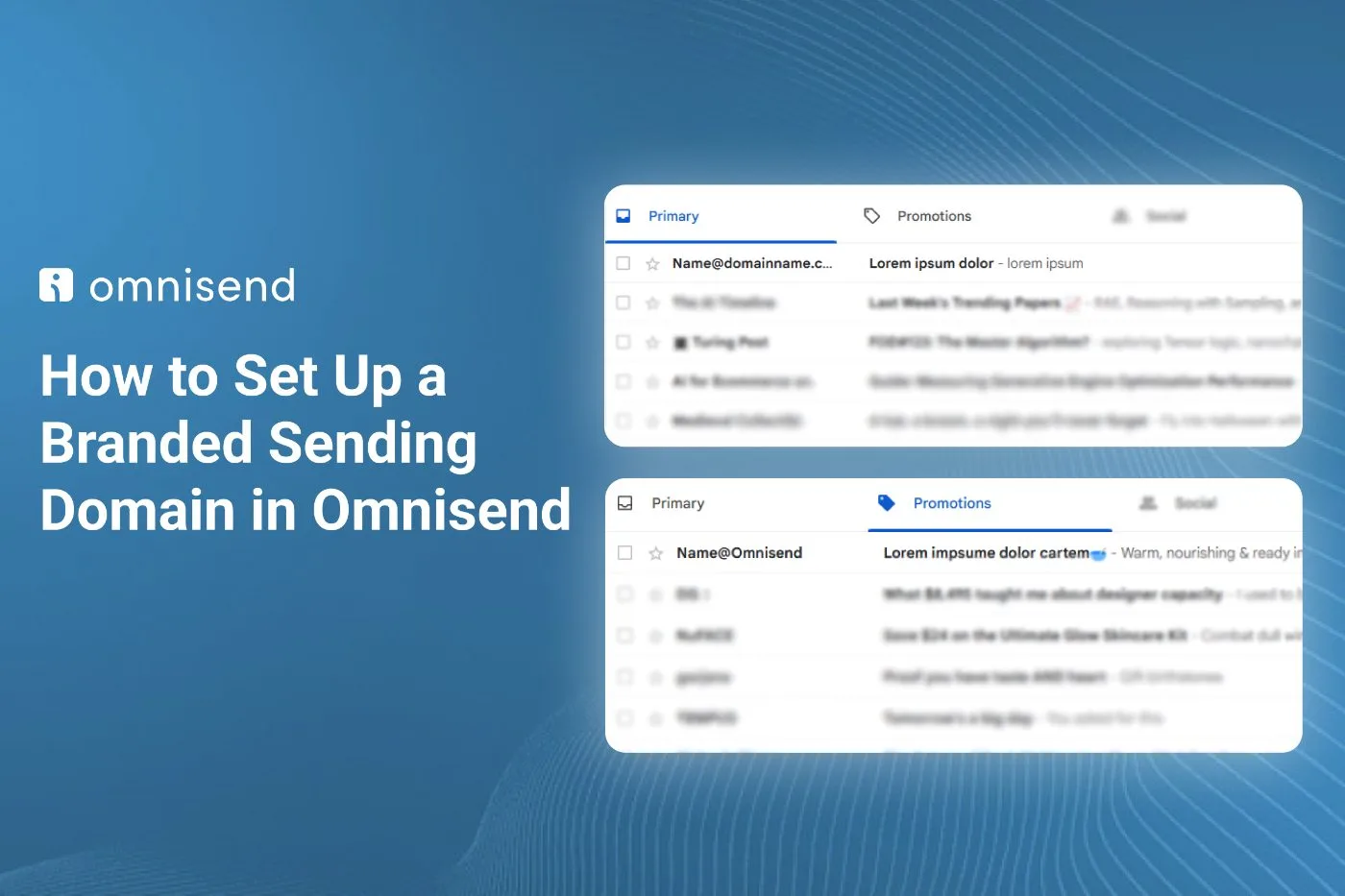
And the impact is measurable. Two identical emails can be sent at the same time, yet land in different folders purely based on whether the sender domain is verified.
Placement is often decided before the subject line is even read.
How to Set Up a Branded Sending Domain in Omnisend
Inside Omnisend:
- Open Store Settings
- Go to Email
- Select Domain Records
- Clear any previous failed or incomplete attempts
- Click Add Sender Domain
- Enter your preferred domain
Omnisend will generate a list of DNS records in TXT format. These typically include SPF, DKIM, and DMARC entries.
They must be added through the platform where your domain is hosted. This may be different from your website host, so confirm whether your DNS is managed through GoDaddy, Namecheap, Squarespace, or another registrar.
How DNS Fields Map Across Platforms
Each platform labels fields slightly differently, but the structure remains consistent.
- Host is sometimes labelled as Name
- Type is almost always shown as TXT
- Value may be labelled as Data
To complete the setup:
- Log in to your domain provider
- Navigate to DNS Management or DNS Records
- Locate the existing SPF record and edit it rather than duplicating
- Add DKIM and DMARC as separate TXT records
- Save
Once complete, go back to Omnisend and click Finish Verification. Authentication usually confirms within 30 minutes to 48 hours depending on DNS propagation speed.
How to Confirm It’s Working
Send a test email to a personal inbox and inspect the sender line. If it displays only your domain with no additional routing label, authentication is active.
Some inbox providers cache previous data for a short time, so allow a few sends before judging placement stability.
What Performance Improvements to Expect
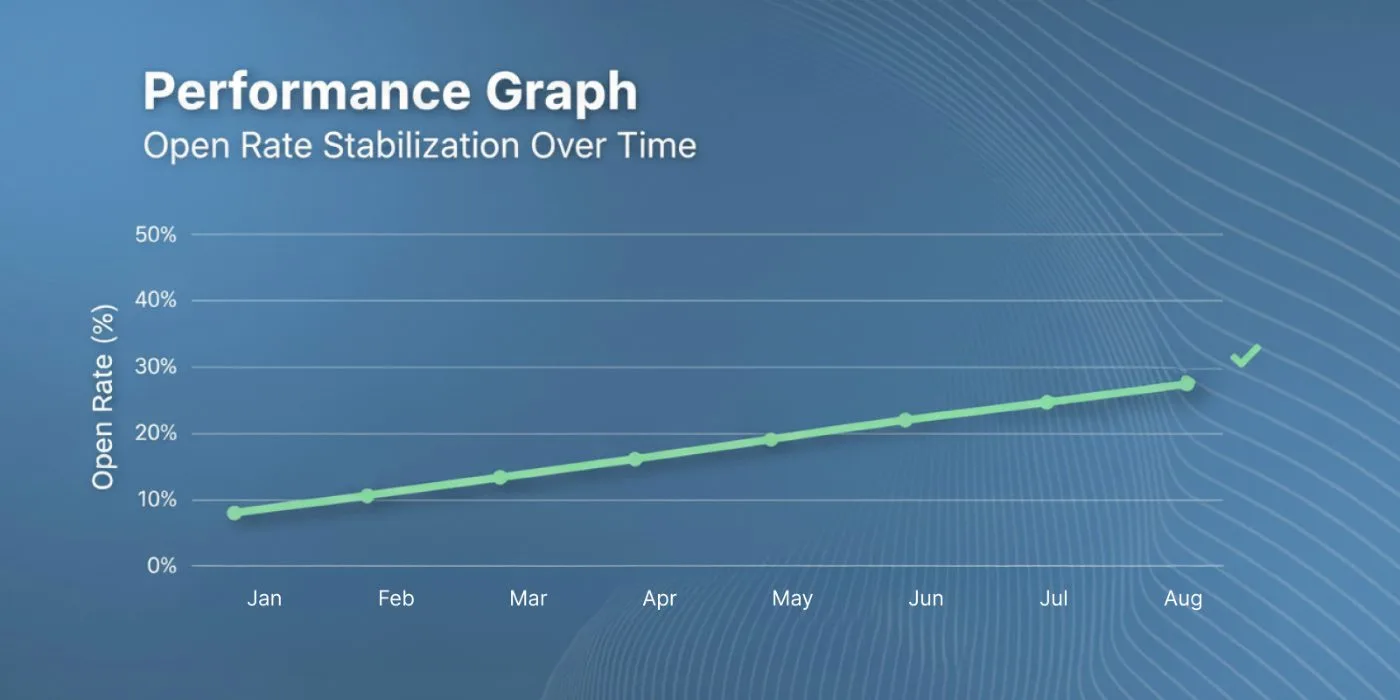
Improved placement does not always show as an immediate spike. More often, performance becomes steadier.
- Open rates fluctuate less (more on this in our ecommerce email metrics guide)
- Promotional placement decreases
- Spam folder appearances drop gradually
For brands that follow structured email campaign management practices, authentication amplifies results further. When placement is consistent, subject line testing becomes more accurate and segmentation effects become clearer.
Authentication can also be paired with suppression logic and engagement-based sending as part of a broader deliverability management approach. That combination helps protect sender reputation as volume increases.
Final Setup Notes Before You Launch
Most businesses only go through authentication once. But it strengthens every email that follows, whether it’s a promotional send or a time-sensitive update.
Lifecycle flows tend to benefit first:
- Abandoned checkout reminders trigger more opens
- Post-purchase sequences hold attention for longer
- Even plain-text transactional receipts land more consistently
If you’re opening a new Omnisend account, you can get 30% off the first 3 months through this link.
Authenticate early. Every future send will thank you for it.